EasyManua.ls Logo

E-Banking Tech EB-300 - 6. User Setting Menu; Counting Speed Setting (SPd); Double Level Setting (Ed-A); Initial Preset Number Setting (Bt-A)

Default Icon
19 pages
Print Icon
To Next Page IconTo Next Page
To Previous Page IconTo Previous Page
Loading...
15
6. User setting menu
Way to enter the menu: Press MODE Key 5times
No
Title
Description
1
SPd
Counting speed setting :
L-1 : 1,200 notes /minute (default)
L-2 : 1,300 notes /minute
L-3 : 1,500 notes /minute
L-4 : 1,800 notes /minute
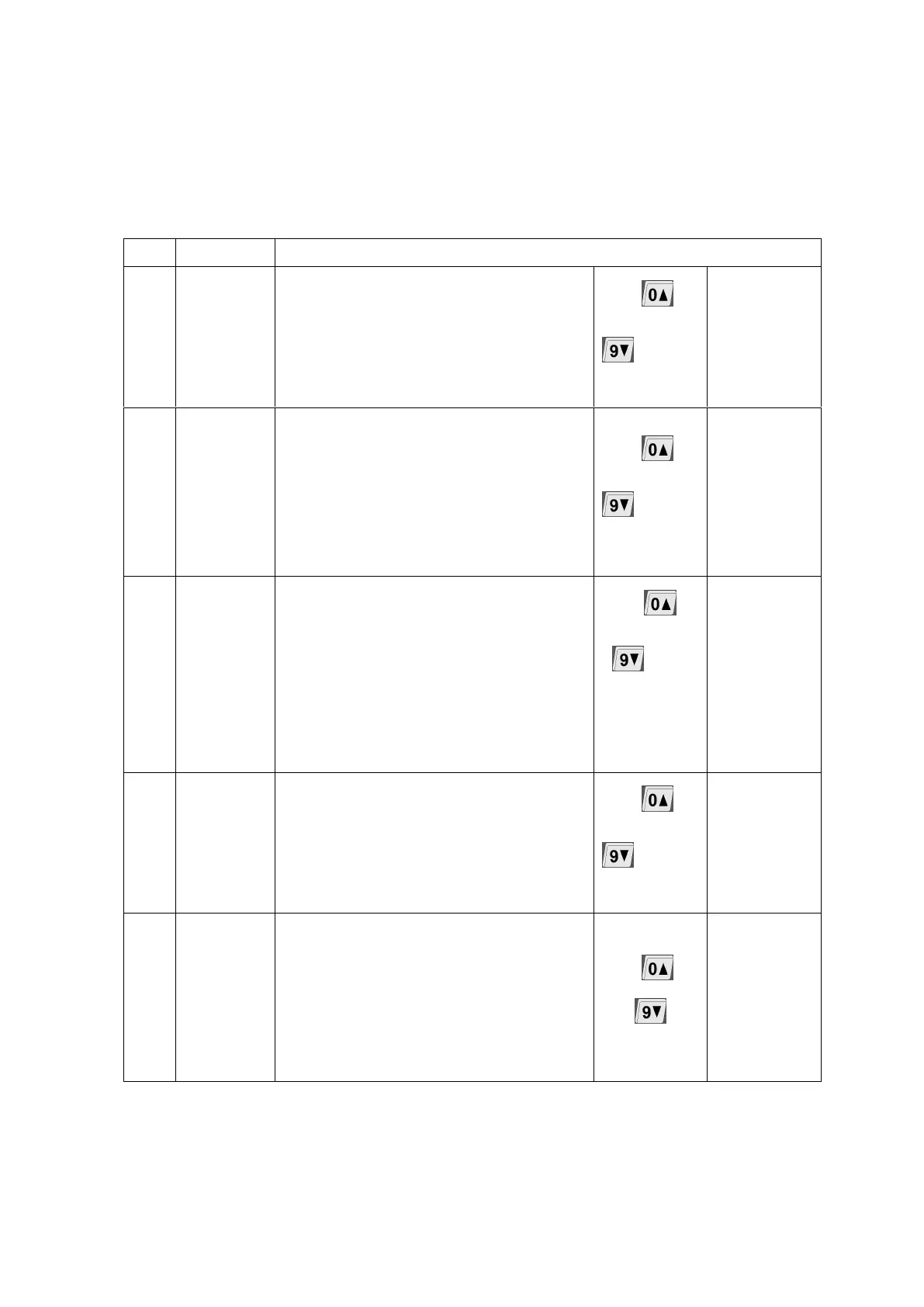
Use or
to select
level
This menu is
not work on
EB-300
2
Ed-A
Double level setting :
L-A : auto(default)
L-1 : level 1
L-2 : level 2
L-3 level 3
OFF
Use or
to select
level
3
Bt-A
Initial preset number setting :
100(default)
Use ~
to set
The initial
batch
number.
4
At-n
Counting mode setting :
On : automatic-counting(default)
Off : manual-counting
Use or
to select
mode
This menu is
not work on
EB-300
5
SS-A
Different vertical size detection setting :
L-0
L-3(default)
L-4 ~ L9
Use or
to select level