Mode Button "T”
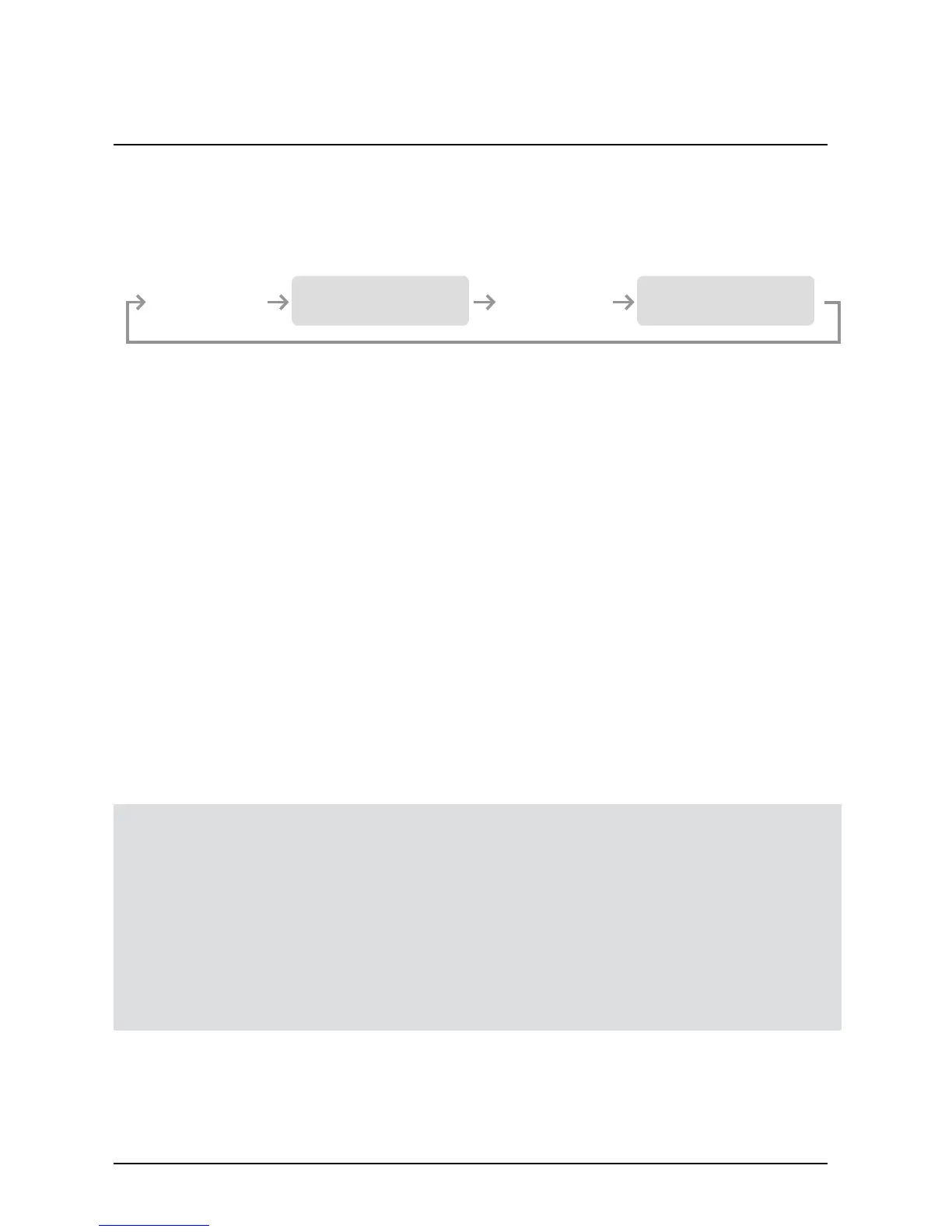
Mode button allows the user to change modes as shown in the diagram
Tapping Sensation or
Tone/Stimulation
Dog 2 Set Mode
Tapping Sensation or
Tone/Stimulation
Dog 1 Set Mode
To toggle between tapping sensation and pavlovian tone/stimulation
press “L” and “T” buttons simultaneously for 2 seconds when the
intensity level is “0”.
- Single beep and “A” icon indicates pavlovian tone/stimulation
- Two beeps and “T” icon indicates tapping sensation.
302 BUTTON FUCTIONS
300/302 Owner’s Manual
19
1 Dog Set Mode - LCD display shows 1D
2 Dog Set Mode - LCD display shows 2D
Tapping Sensation or Tone Stimulation - LCD display a "T"
Tapping Sensation or Tone/Pavlovian Stimulation “T”
Light Button(On Back) “L”
When the "L" button is pressed, “L” will be displayed.
If you press L while in Dog 1 Mode, Dog 1's Light will activate.
If you press L while in Dog 2 Mode, Dog 2's Light will activate.
Tracking Light will Cycle: Flashing -> Solid -> OFF when L is pressed.


 To Next Page