1 | P a g e
Contents
Getting Started .............................................................................................................................................. 1
Loading the microfilm ................................................................................................................................... 2
Loading – the short version ...................................................................................................................... 2
Loading – long version .............................................................................................................................. 2
Viewing the Film ........................................................................................................................................... 3
Motorized Reel/Roll Control ..................................................................................................................... 3
Crop Box .................................................................................................................................................... 4
Using the Graphic Buttons ........................................................................................................................ 4
Unloading the Film ........................................................................................................................................ 6
Getting Started
Wake the computer by moving the mouse or pressing a random key.
Turn on the ScanPro 3000 machine. The on/off switch is on the right lower back of the machine.
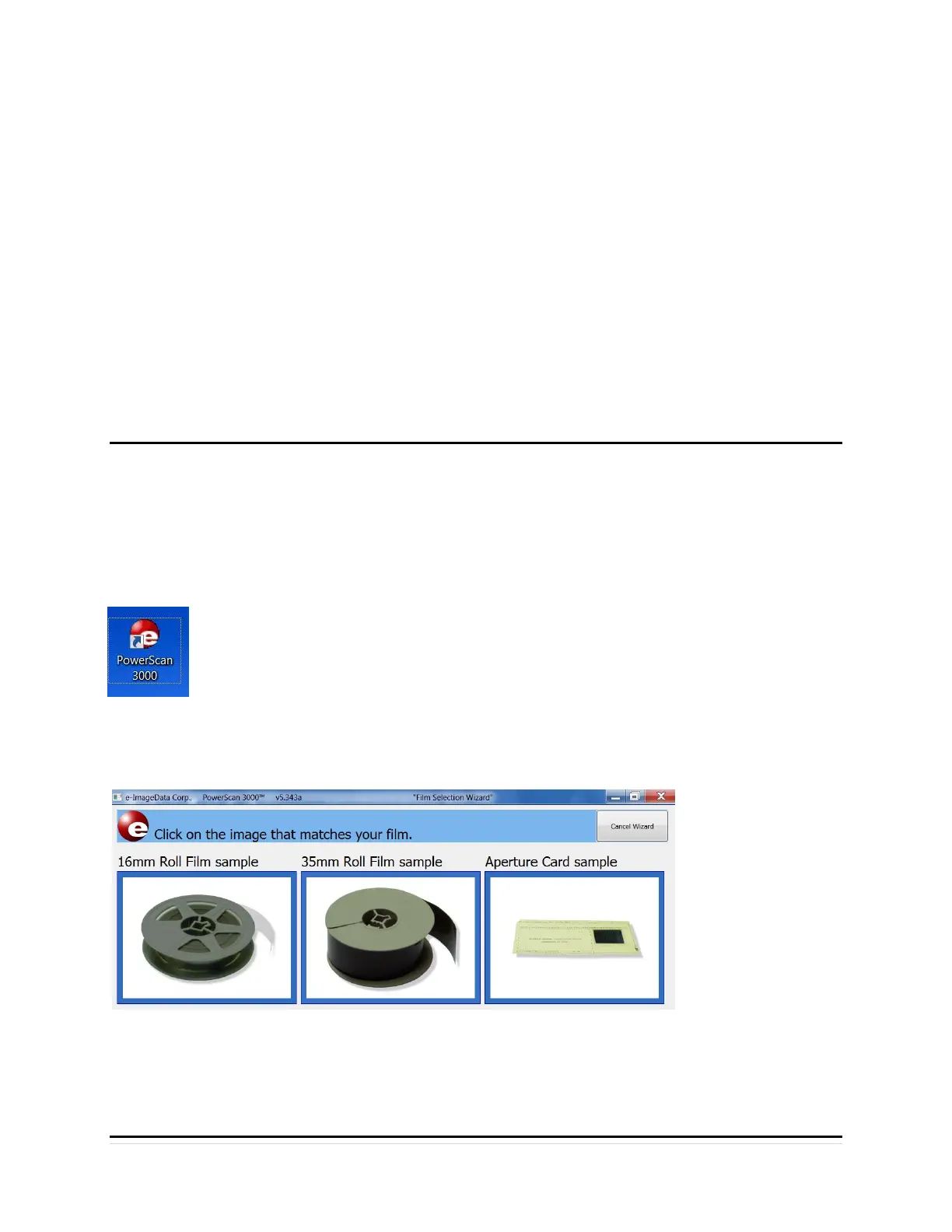
Next, double click the ScanPro 3000 icon on the computer’s desktop, opening the
program. If the ScanPro 3000 machine is not on, the software will not “find’ the
machine.
When the ScanPro 3000 program opens the “Film Wizard Window” displays, click on the
pictures labelled 35mm Roll Film sample
Once the next 35mm roll film screen appears the film can be loaded


 To Next Page