RLanglois 10.26.16
12
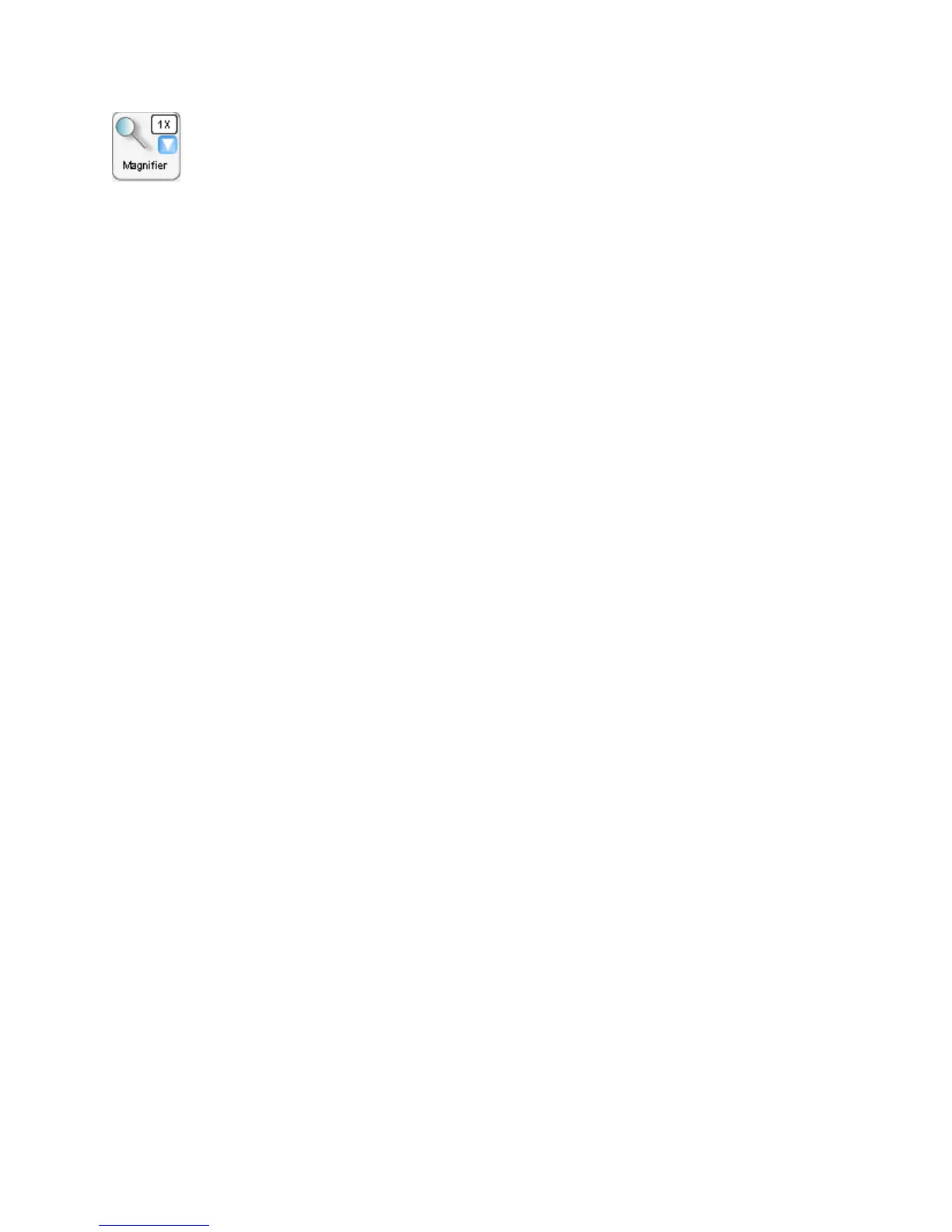
Magnifier
Click to open a separate magnified window of the image. Click the
down arrow button to select the desired magnification level.
“Magnifier” has two controls:
1. The overall area of the button – Click to open the “Magnifier
Window”
2. – Click the Down Arrow to display a list of magnification values you
can use in the
“Magnifier Window”
When the “Magnifier Window” is open, the “Magnifier Box”, defined
by a blue dashed rectangle, will appear in the display area. The
“Magnifier Box” defines the area viewed in the “Magnifier Window”.
To resize the “Magnifier Window”, click and drag any corner. To
move the “Magnifier Window”, click-and-drag the “Magnifier
Window” title bar.


 To Next Page