RLanglois 10.26.16
9
Crop Box
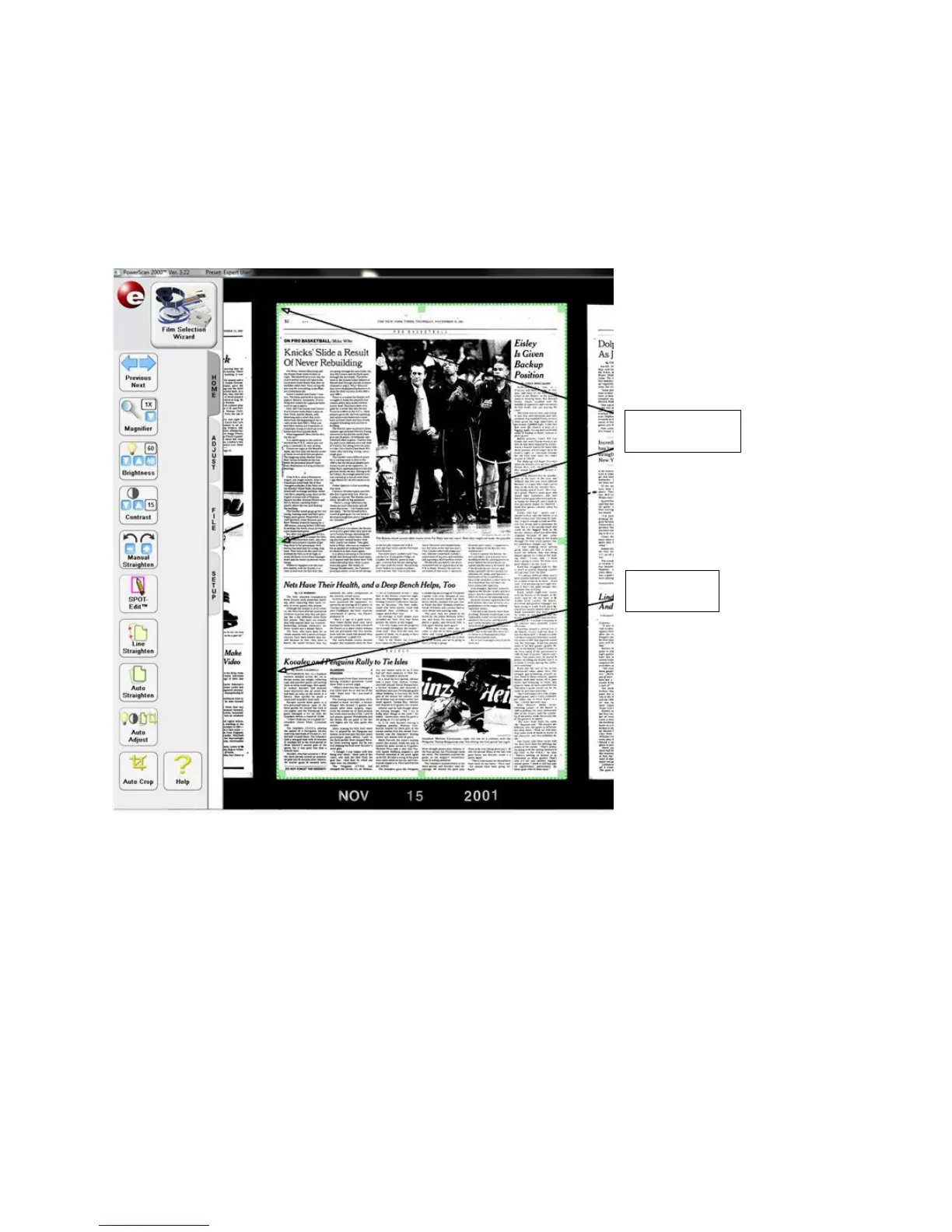
Once you have an image centered, you will see a green dashed
line bordering the outsides of the display. This is the “Crop Box”,
which defines the area to be scanned or printed.
There are "drag points" at the midpoints of all sides and at all four
corners of the "Crop Box". The "Crop Box" can be resized by left-
clicking and dragging at these points. If you right-click while
dragging the box inward on any or all of the four corner, the “drag
points” will pull the corners of the shape inward creating an irregular
shaped "Crop Box" as shown below.


 To Next Page