Troubleshooting 2–1
Chapter 2 — Troubleshooting
Site information is vital to proper diagnosis of a pump failure and returning the station to
operation. When a pump requires service, perform an inspection of the site rst.
Site Survey — Alarm Panel
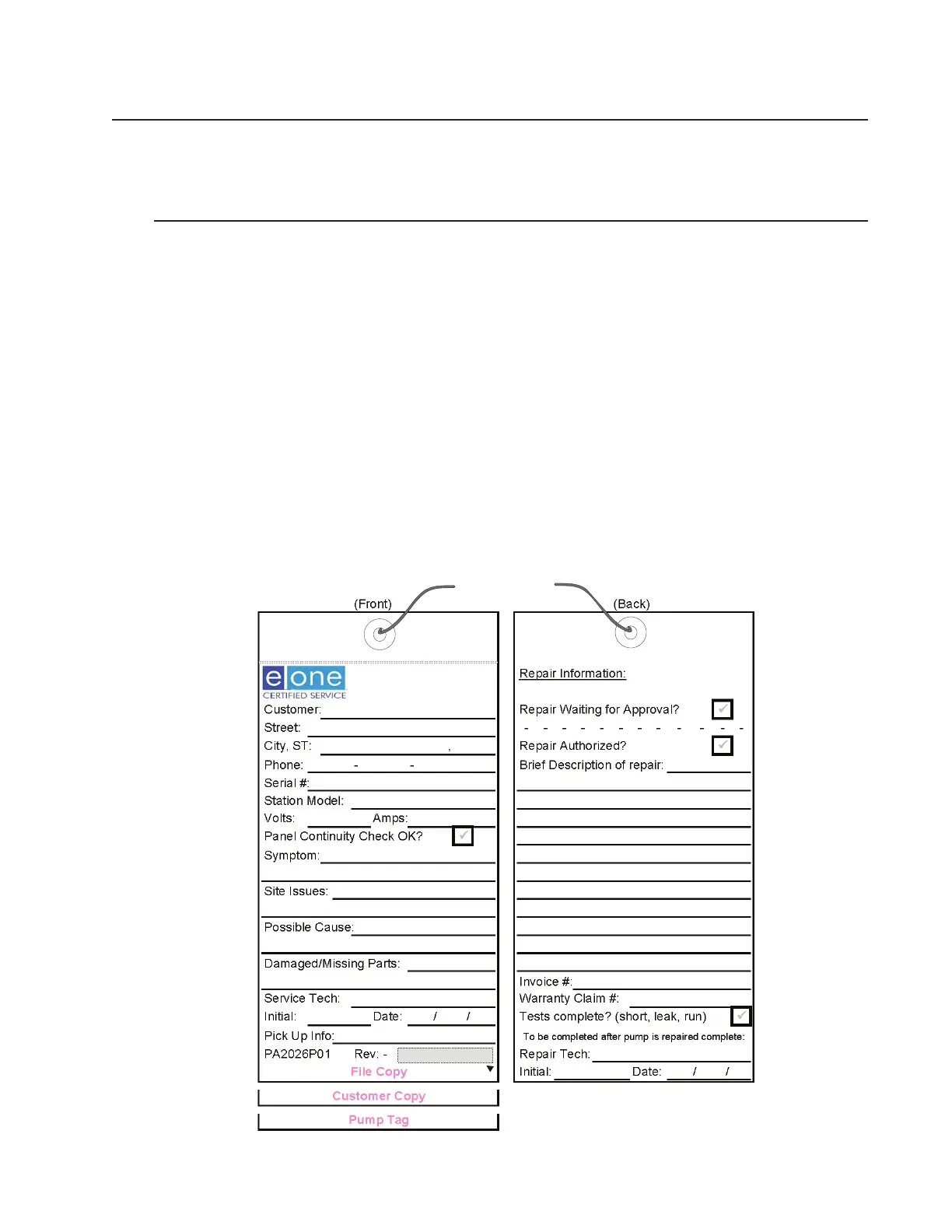
1. Observe the site. Record the following on the service tag:
• Customer information
• Date and time
• Alarm status
• Is the pump running (without opening the station)?
2. Open the alarm panel enclosure. Record the following on the service tag:
• Is the inside of the alarm panel dry and free from moisture?
• Are any breakers tripped?
• Was the panel installed correctly (penetrations on bottom, sealed conduits, etc.)?
• Is service needed to the panel?
Figure 2-1, Service Tag


 To Next Page