M500 USER MANUAL AND PROGRAMMER SDK
Page 8
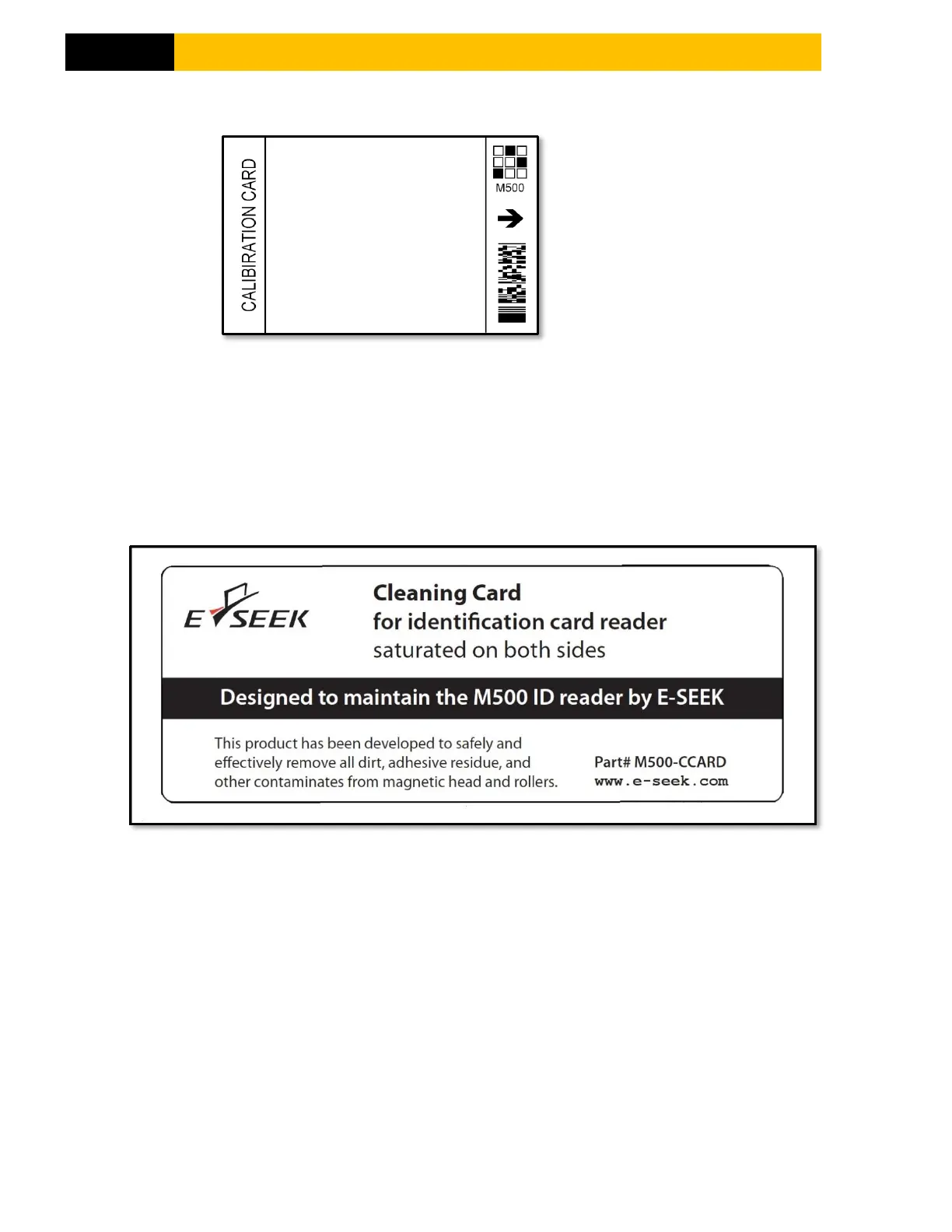
2.4.2 WHITE BALANCE CALIBRATION CARD
Figure 5
The calibration card is used to calibrate the white balance. Calibration could be required after shipping or
prolonged use. To perform the white balance calibration simply insert the card with the arrow side first.
After prolonged use or if the card becomes scratched it should be discarded.
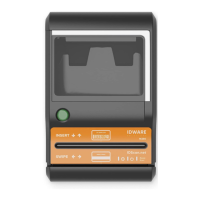
2.4.3 CLEANING CARD
Figure 6
The cleaning card cleans the rollers and magnetic head. The need for cleaning varies but the general
guideline is once a month for high usage and once every three months for low usage. High usage is defined
as more than 3,000 scans per month.


 To Next Page