12
Selecting a Radio Channel
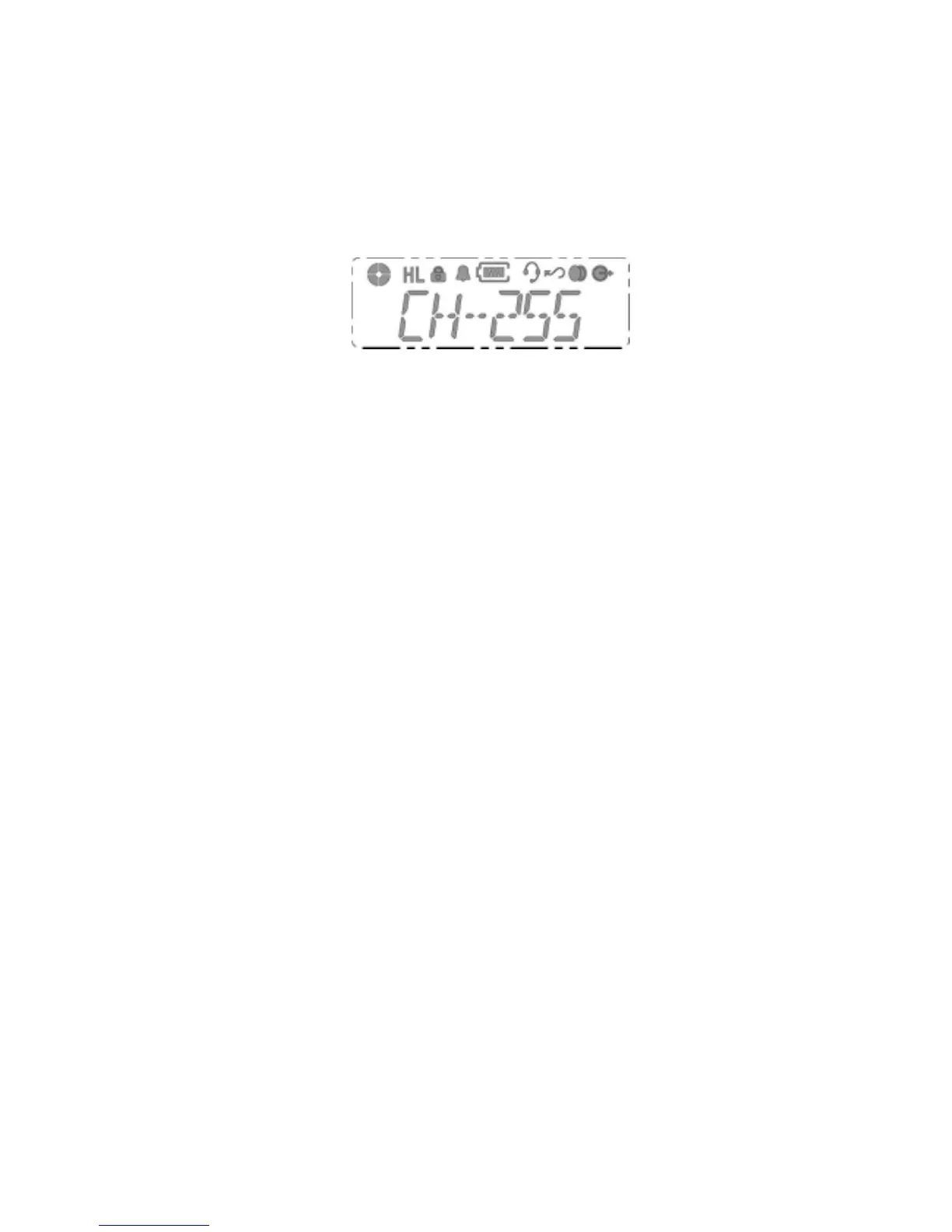
This radio offers up to 255 channels.
Select the desired channel by using Up/Down Key.
Each press increases/decrease the channel number.
When held down, the channels increase continuously.
Seclect the desired channel by using Down Key. Each press
decreases the channel number.
When held down, the channels decrease continuously.
Transmission signal
To transmit, monitor the channel and make sure it is clear. THIS IS
AN FCC REQUIREMENT!
To transmit, press and hold in the PTT switch.
Speak into the microphone area of the panel grill in a normal voice
level. To return to the Receive mode, release the PTT switch.



 To Next Page