© 2020 E2 Scientific Corp. Version 5.20.2020. All rights reserved.
B. OTG Tongueometer
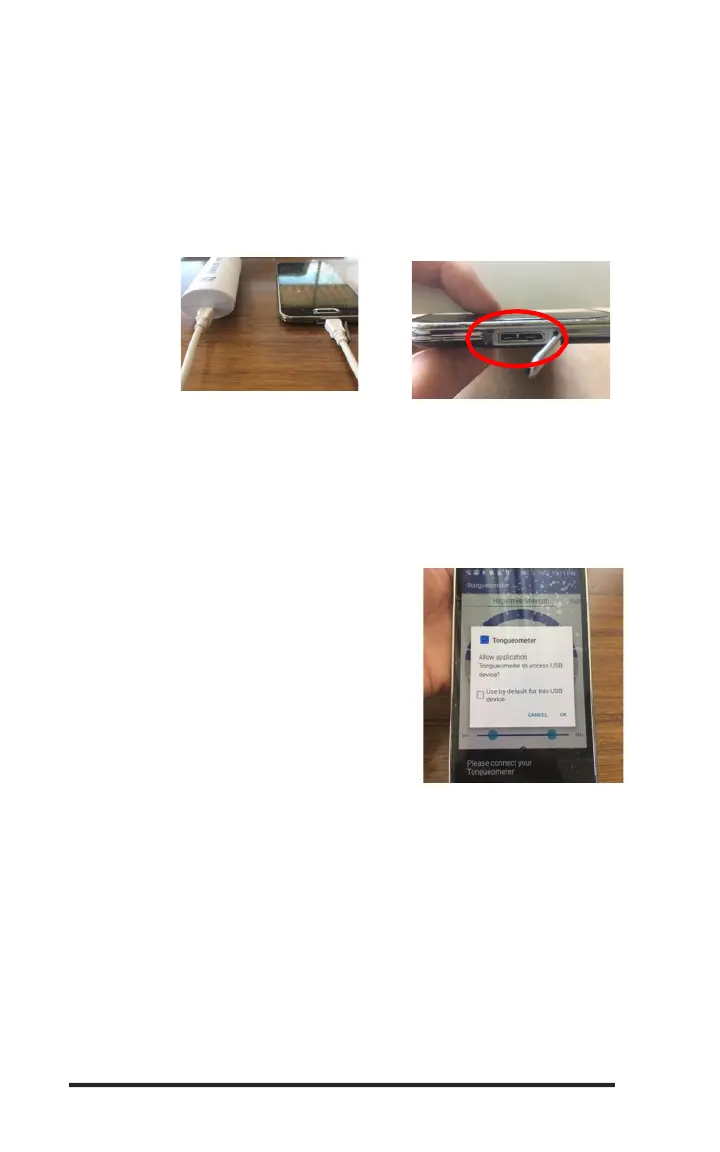
1. Connect the Tongueometer device to your Android device using the OTG cable. Please note
that the OTG cable is specific to your Android device. When you purchased the
Tongueometer, you were prompted to provide the make/model of your Android device so that
you would receive the correct OTG cable. The OTG cable has a mini-USB connector on one
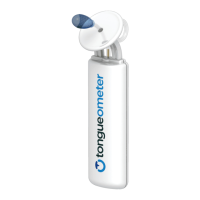
end and a mini-connector on the other. Insert the mini-USB connector into the bottom of the
hand-held unit and insert the mini-connector into the Android device. Assure your Android
device is fully charged prior to set-up.
2. Once the Tongueometer is attached to the Android device, the Tongueometer app should
automatically recognize the device. It will provide written prompts while it is connecting and
provide an alert when it is ready to use. To test if the app is ready for use, you can squeeze
the Tongueometer device bulb to move the needle in the app gauge. If it does not move, see
Troubleshooting below.
a. Note: each time you use the device, you
will see a pop-up box. You can either
select “Use by default for this USB device”
or click “OK” to connect. If you click
“Cancel,” the application will not recognize
that the device is attached and will not
work.


 To Next Page