Vertical: setting the vertical of the subtitle.
Place: setting the place of the subtitle(top,
bottom)
Outline color: setting the outline color of
the subtitle.
Audio Press to select an audio track.
Zoom
Zoom in the image.
(Zoom ratio: 1,2,3,0,-1,-2,-3)
Scale
Setting the scale of the viewer.(full screen,
standard, Real size)
Info View the information of the file.
Mute Turn on/off the sound.
Volume+/- and up/down key Add or decrease the volume.
Chapter
Choose the chaptes when the
playbacking file with the chapters.
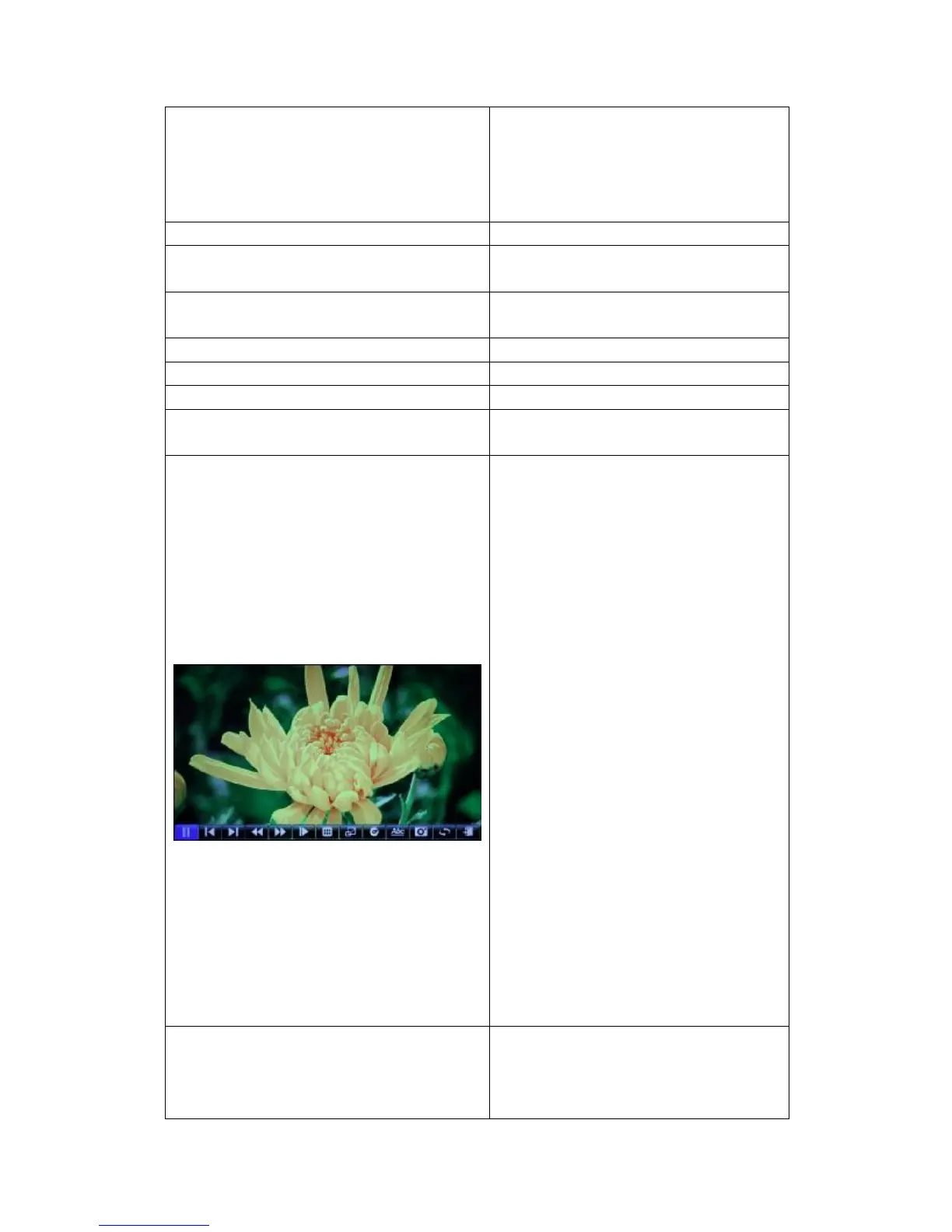
Ctrl
Play/Pause Pause or continuous
playback.
Previous:Press to play the previous file.
Next: Press to play the previous file.
REV: Press to enter into rewind state.
FWD: Press to enter into fast forward
state.
Slow: Play video in slow motion.
Info: Press to hide or display the
information bar during playback.
Chapter: Choose the chaptes when you
playbacking the file with the chapters.
Audio: Select the audio track of the file.
Subtitle: Select and set the subtitle
options.
Image: adjust the image of the file.
Include:
Scale(standard, full Screen, Real
Size);
Zoom(-3,-2,-1,0,1,2,3)
Adjust the Brightness, Hue, Contrast
and the Saturation.
Mode: Set repeat options: signal, signal
repeat, repeat all.
Exit: Hide the ctrl toolbar.
Previous/Next
Press to select the previous/Next file;
Press to select the Previous /Next
Chapter when playing the file has the
chapters.



 To Next Page