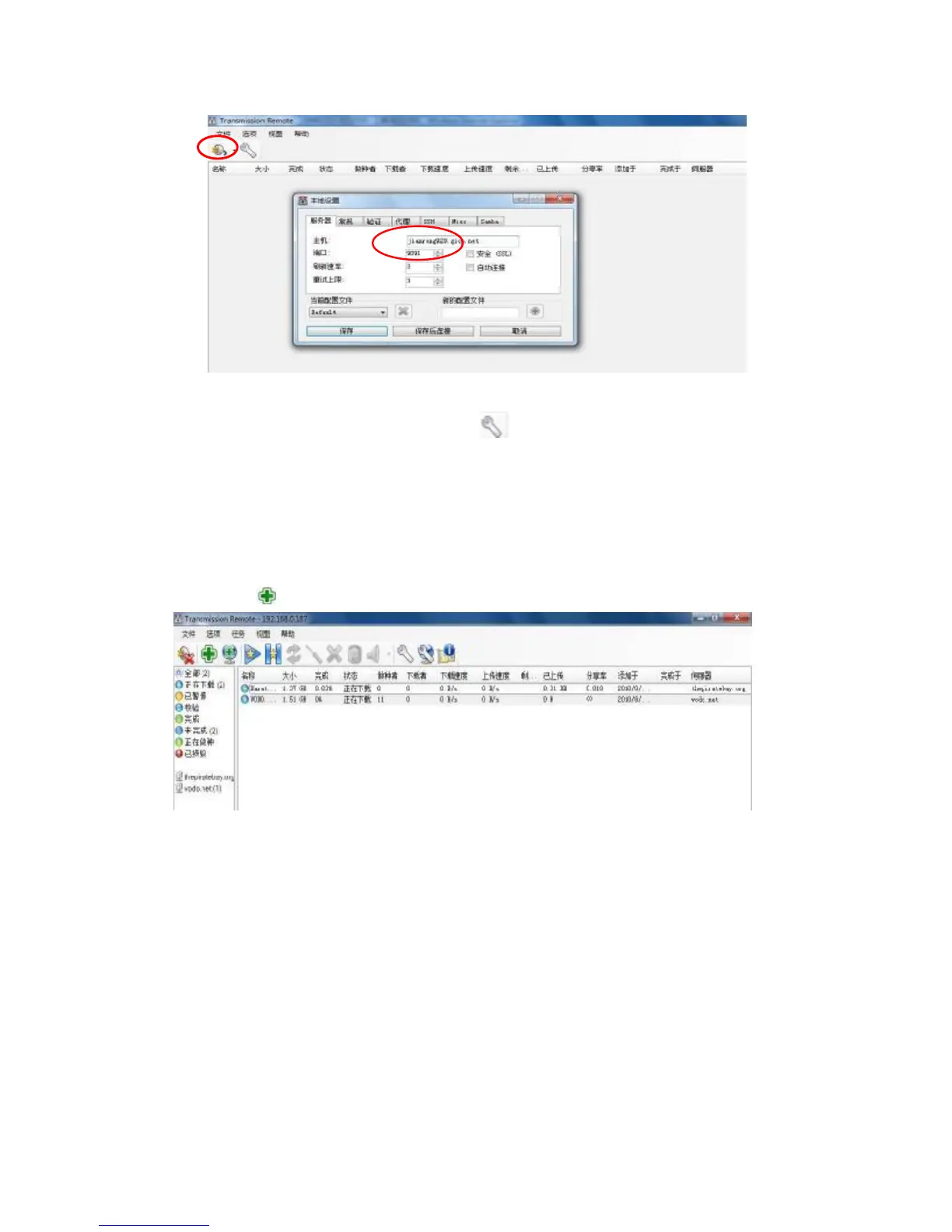
Select options-local settings or click the icon on the interface to pop up local setting
dialogue box.
Host: player’s IP address. Eg: 192.168.0.187,
Port: 9091
After settled, tap the save and connect to the next step.
2) Add the BT or PT torrent files.
Tap the icon to add the torrent file, after added, it will be download automatically.
2. Use Download Function in the WAN
1) Router settings
A, virtual server setting,
Setting the IP address and the port as following picture.after setup was completed click
save to save the settings. Then the router will be restart.



 To Next Page