7
Go to Table of Contents
Setup and Connections: Xbox One Consoles
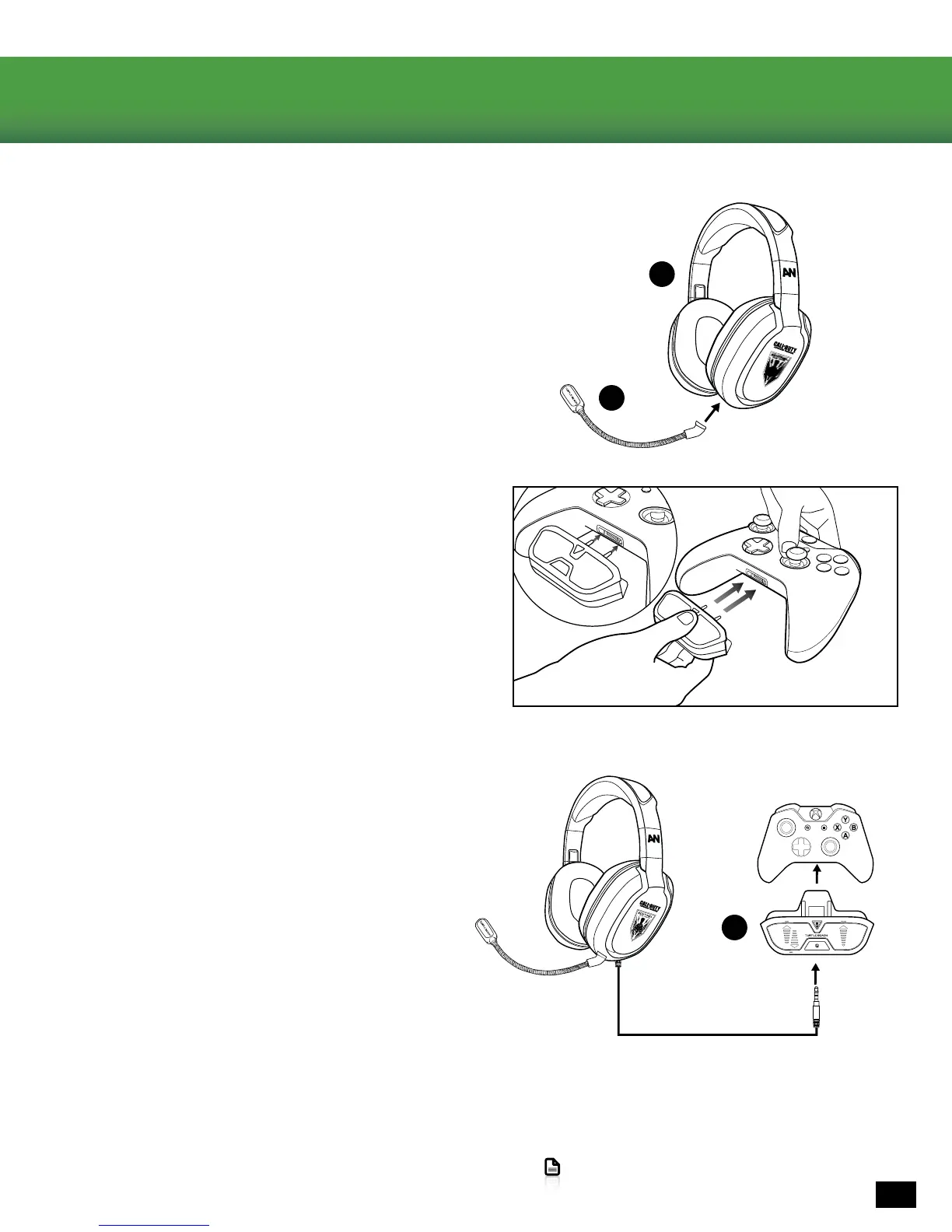
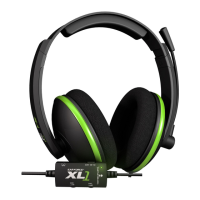
1. Insert the microphone boom into the jack on the left
earcup of the headset. Use the keyed plug to line up the
Mic Boom in the correct orientation.
2. Insert the Ear Force Headset Audio Controller into the
Xbox One Controller.
TheHeadsetAudioControllerwasdesignedtottightly
into the Xbox One controller. You may need to apply gentle
upward pressure to the bottom of the audio adapter while
inserting into the controller. If it does not connect
easily, do not force it. Make sure the Audio Controller is
well aligned (do not angle the Audio Controller)
and try again.
3. Connect the cable from the Sentinel Task Force Headset
into the the Ear Force Headset Audio Controller.
NOTE: Forreliablesound,conrmthatallconnectionsare
insertedrmly.
Use the two long pins to
properly align the adapter
Controller not included.
D
A
B



 To Next Page