04
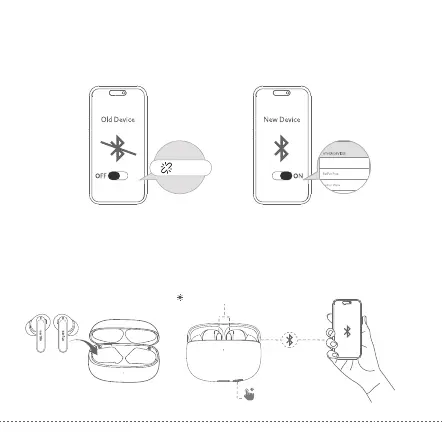
Step 1. Unpair the earbuds from the Bluetooth-enabled device that’s connected. The earbuds
will disconnect from the current device and go into pairing mode to be paired again.
Step 2. Search on the new device and connect.
Option A
2. Connect to a New Device
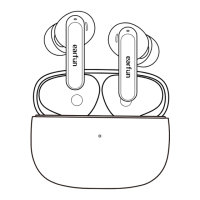
EarFun Air 2
EarFun Air 2
Step 1. Put both earbuds back into the charging case and make sure they are being charged, keep
the cover open and then press and hold the charging case button for 3 seconds until the
LED indicators on earbuds start flashing blue rapidly.
Option B
Step 2. Search on the new device and connect.
EarFun Air 2
Flashing blue rapidly
3s


 To Next Page