05
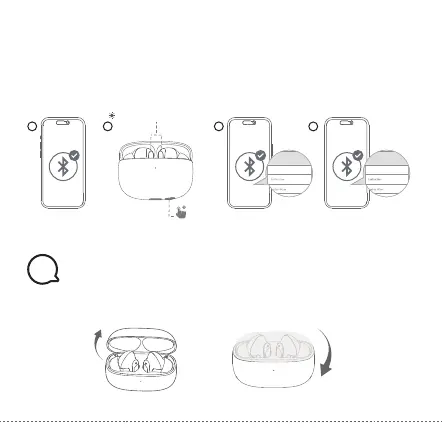
3. Pairing and Connecting two Bluetooth devices simultaneously
Step1. Pair with the first device and stay connected
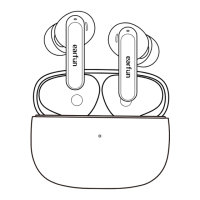
Step2. Keep the earbuds in the charging case, then press and hold the charging case button for
3 seconds until the LED indicator on earbuds flash blue rapidly. The earbuds will enter
pairing mode and will disconnected from the first device.
Step3. Search on the second device to connect the earbuds.
Step4. Manually reconnect the earbuds on the first device.
· Open the charging case, the earbuds will automatically power on.
· Place the earbuds back into the charging case and close the case, then the earbuds will
automatically power off.
1 2 3
4
Device A Device B
EarFun Air 2
Device A
EarFun Air 2
Flashing blue rapidly
3s
Note:
●The earbuds will automatically connect to both devices after finishing setting up
the multipoint connection.
Functions
6
Note:
●If the earbuds are not connected to any device, they will automatically power off after 10
minutes for saving the battery life.
Power on Power off


 To Next Page