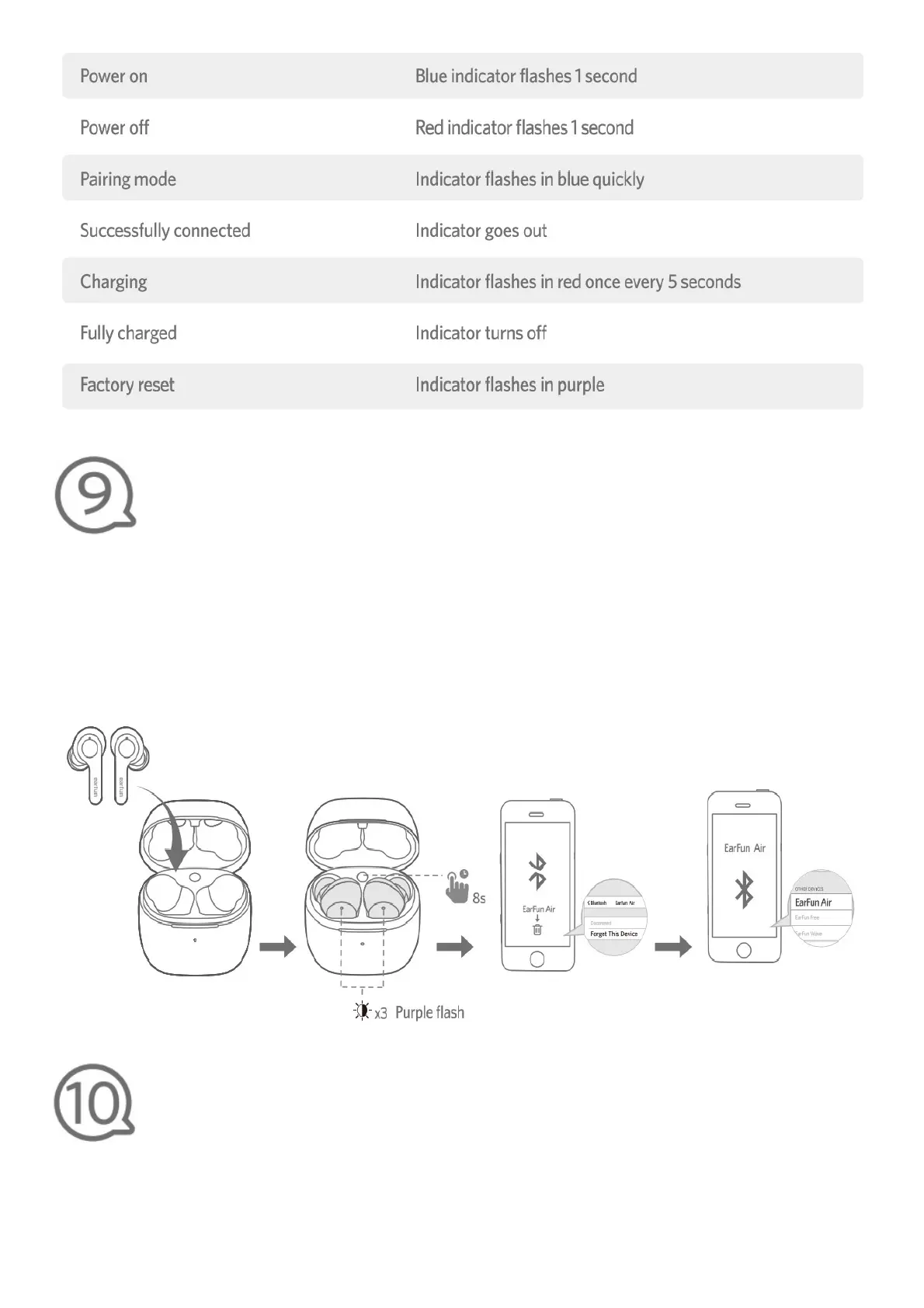
Reset and Reconnecting
If you fail to build a connection between two earbuds, or between earbuds and a Bluetooth
device, please try the following steps:
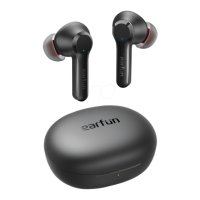
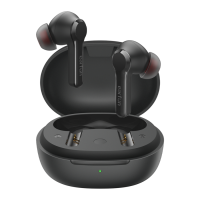
1. Place the earbuds into the charging case and make sure they are being charged.
2.Keep the charging case open, then press and hold the charging case button for 8 seconds until the
LED indicator on both earbuds flash in purple 3 times
3. Delete the old connection from the Bluetooth device and reconnect “EarFun Air”.
Troubleshooting
Q: Can I use both earphones separately?
A: Yes, each earbud could be used independently.
Q: The earphones are turning on, but it doesn’t conned to my device?
A: To connect the earbuds to your device, please check if the Bluetooth of the device is on at first,



 To Next Page