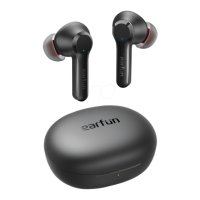
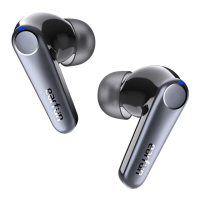
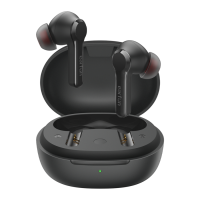
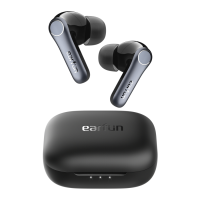
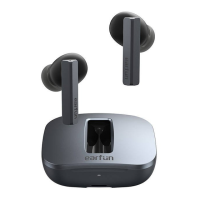
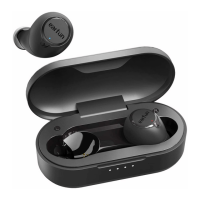
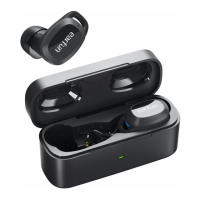
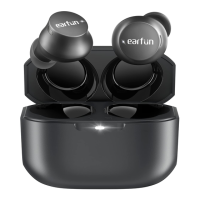
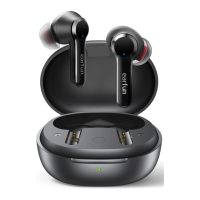
Pairing Your Earbuds
First time Pairing with Device
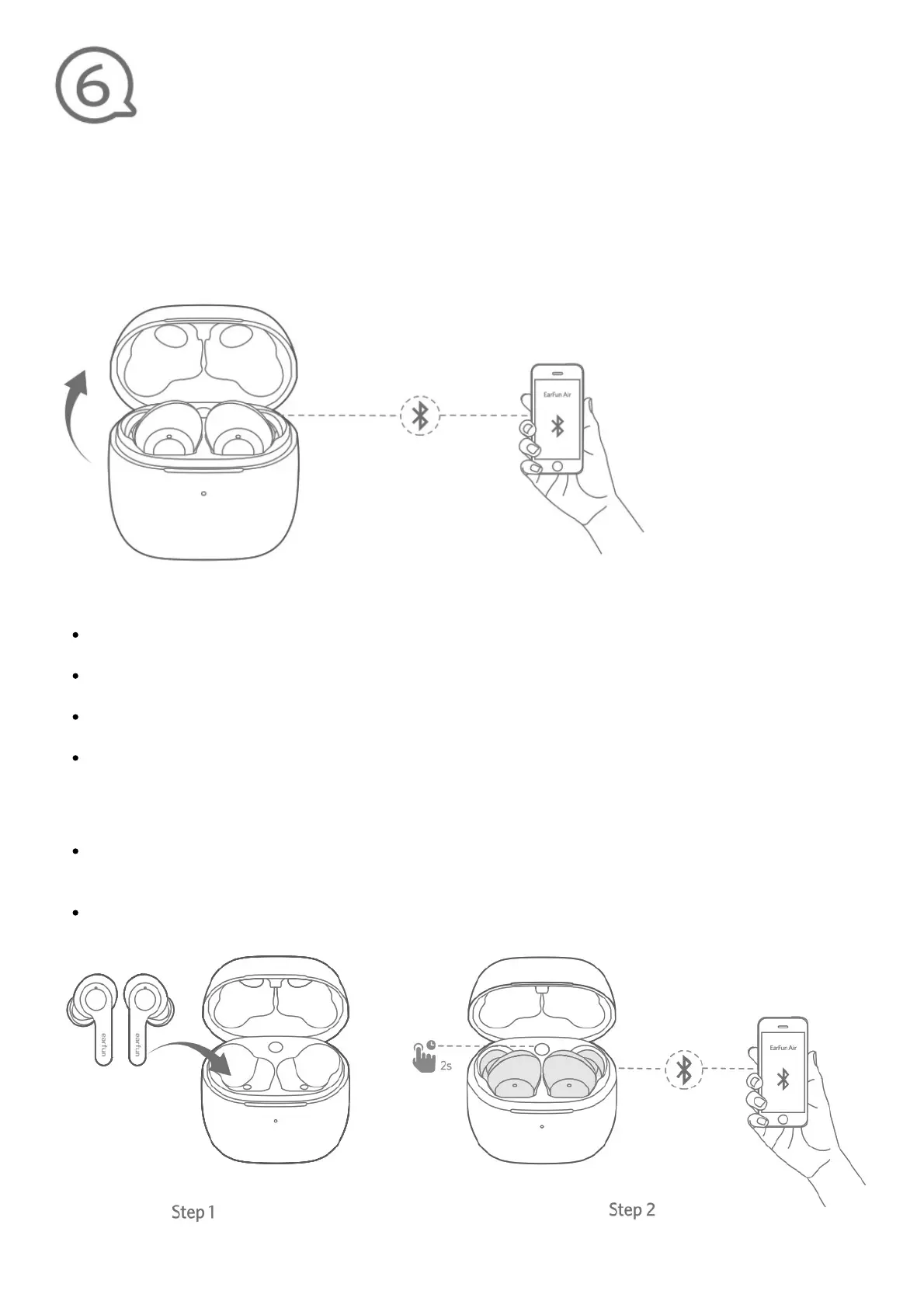
Step 1: Open the charging case. Earbuds will automatically power on and enter into pairing mode.
Step 2: Activate Bluetooth on your Bluetooth-enabled device and search for other Bluetooth devices.
Step 3: Select “EarFan Air” from the list of Bluetooth devices shown (if a password is needed,
type’0000′).
Notes:
The earbuds will automatically connect with the device they were last paired with when the case
is open.
Touch once to reconnect with the device they last paired with when it’s on and not connecting to
any device.
Independent of the earbuds switch automatically, and dependent will flash in blue indicator in
pairing mode.
Each earbud could be used independently.
Connect to a New Device
Option A
Step 1. Place the earbuds back into the charging case and make sure they are being charged.
keep the cover open and then press and hold the charging case button for 2 seconds until the LED
indicators on earbuds flash in blue rapidly.
Step 2. Search on the new device and connect.



 To Next Page