L
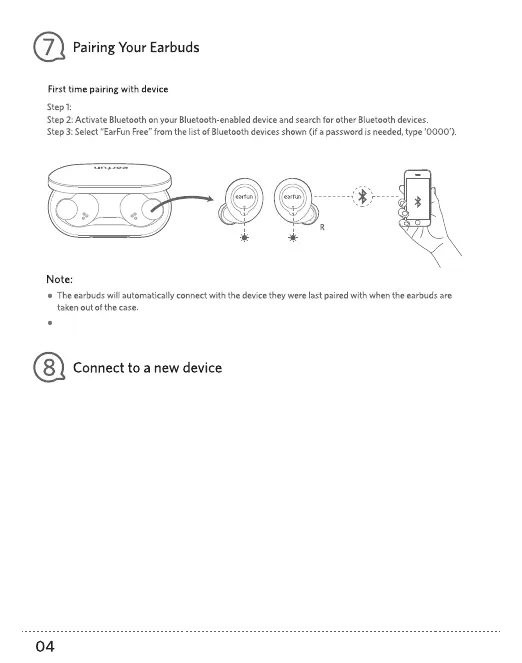
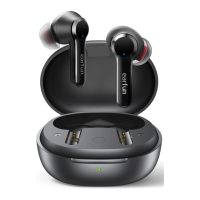
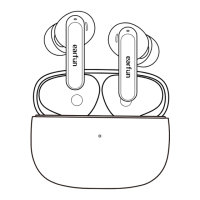
Remove the both earbuds from the case simultaneously and the earbuds will enter into pairing mode.
Each earbud could be used independently.
Step 1. Unpair the earbud from the bluetooth-enabled device when it's connected. The earbud will lose bluetooth
connection to the current device and enter into pairing mode.
Step2. Search on the new device and connect.
Step 1. Triple press the L/R earbud when it's connected and the music's off. The earbud will lose bluetooth
connection to the current device and enter into pairing mode.
Step 2. Search on the new device and connect.
EarFun Free
Step 1. Double press the L/R earbud when it's on and not connecting to any device.
The earbud will enter into pairing mode.
Step 2. Search on the new device and connect.
Option A :
Option B :
Option C :


 To Next Page