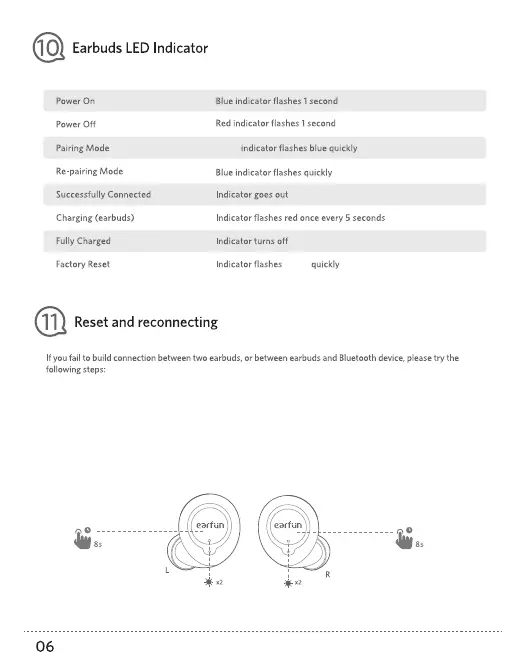
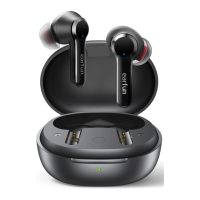
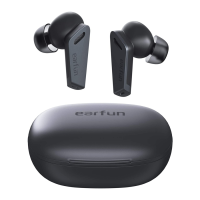
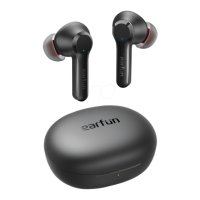
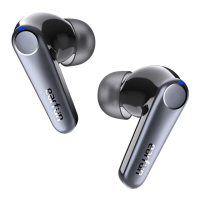
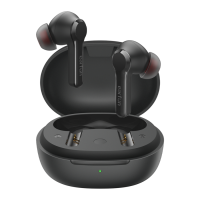
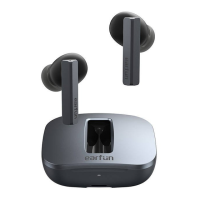
Step 1: Unpair EarFun Free from your Bluetooth-enabled device and delete the old connection on your device.
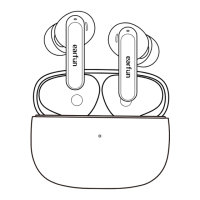
Step 2: Pick up the earbuds from the case and press the buttons for 2s at least to power off until they flash in red.
Step 3: Press and hold the button on each earbud for at least 8s until they flash in purple
(Do press until they flash in purple. If not, they aren't reset successfully.)
Step 4: Place them back into the case and remove it again to start reconnecting.
Either
purple


 To Next Page