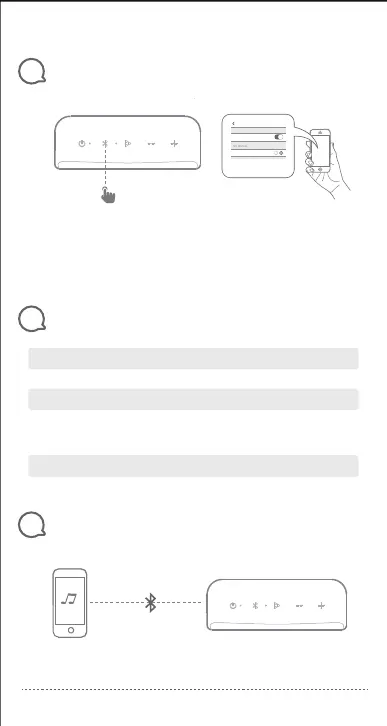
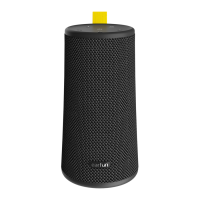
Bluetooth Pairing
Speaker LED Indicator
6
5
1s
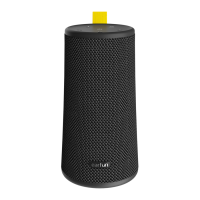
EarFun GO
Choose “EarFun GO ”
to connect
Bluetooth
BluetoothSettings
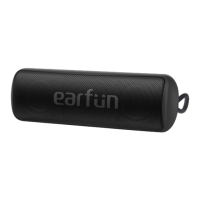
True Wireless Stereo Connection with Two EarFun Gos
7
Step1: Pair and connect Go A to your Bluetooth device.
EarFun Go A(L)
03
1.
2.
Note:
When turned on, Go will automatically connect to the last connected device if
available. If not, Go will enter paring mode.
If the speaker didn’t pair with any device and no-operation in 30 minutes, it will
shut down automatically.
Flashing Blue Bluetooth Pairing Mode.
Solid Blue
Charging
Battery Level
Fully Charged
Connected to a device.
Indicator stays on red.
Indicator stays on white.
Battery Level < 15%: indicator stays on red
Battery Level <2%: Indicator flashes red for 8 seconds,
then the speaker turns off.


 To Next Page