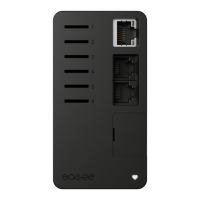
12
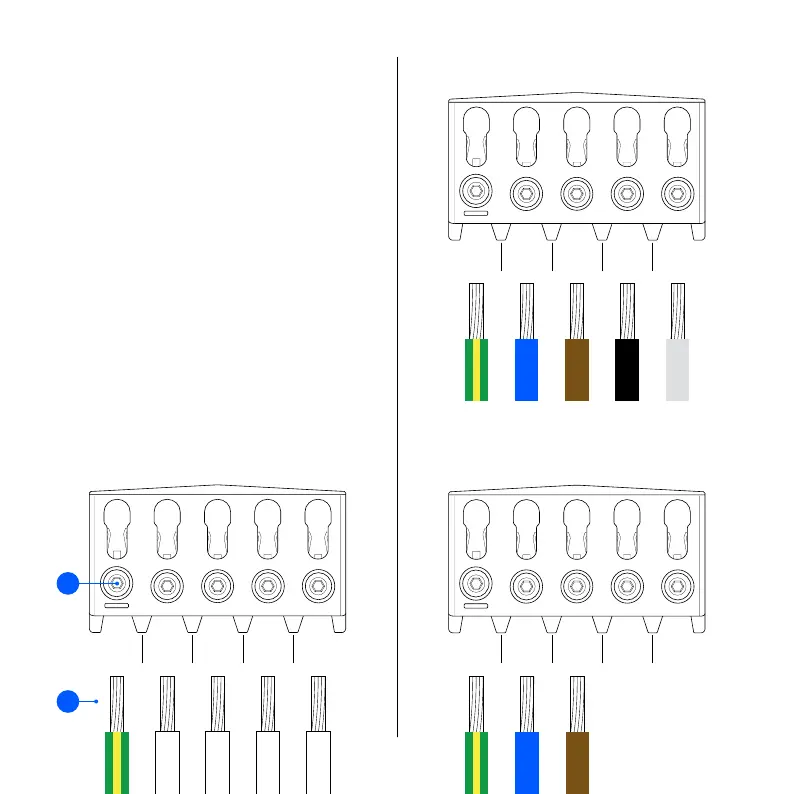
1. Strip the cable cores by 12 mm. If the cable has flexible
conductors, it is recommended to use cable end
sleeves on all wires. Use correct tools to press them.
2. Tighten the screws with a torque of 5 Nm.
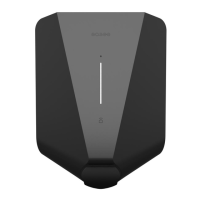
NOTICE! Before attaching the Chargeberry, pull each
wire to double check that they are connected properly.
NOTICE! When connecting multiple backplates in
parallel, each terminal serves as a coupling point for
adjacent backplates. All backplates must be connected
with the same phase sequence. External junction boxes
or flat cables can be used if it is most convenient.
Backplate
Wiring4
TN 3 phase
PE N L1 L2 L3
TN 1 phase
PE N L1 – –
PE
1
2


 To Next Page