11
11
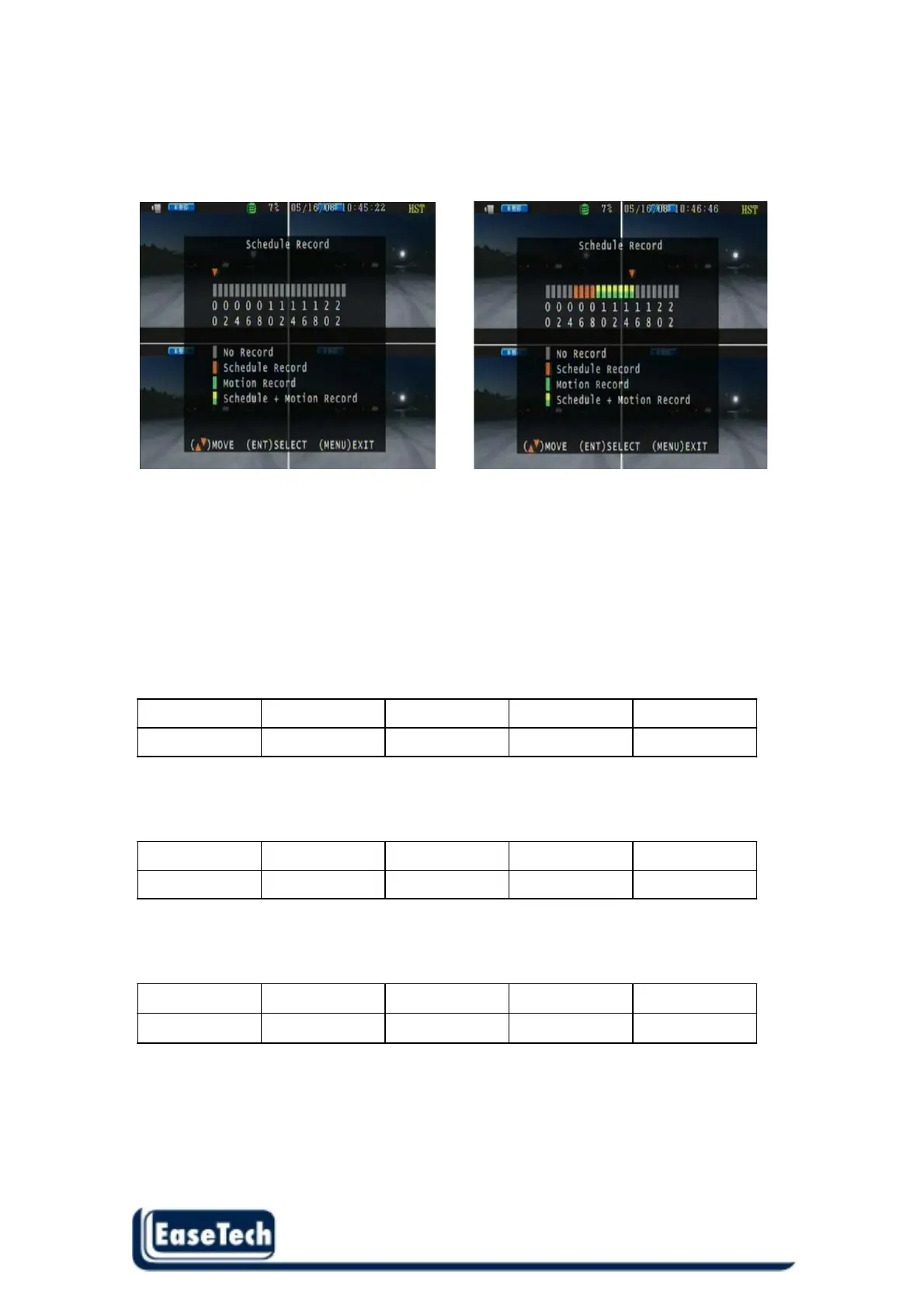
2.2.6 Schedule Record
Use the left button or right button to select time and use the “Enter” button to change
record type .
Notice:
1. Each channel has own frame rate adjustment in different recording mode.
2. In 24 hours, user can adjust each channel frame rate in different record mode. Such as schedule
or motion detection .
3. Press “ENTER” button to change different record mode
Record Time Table: 80GB HD
Record Quality: Low. Average: 5 KB;
REC FPS(total) 60 30 15 10
REC Hour 72 hr 148 hr 296 hr 444 hr
Record Quality: Normal. Average 10 KB;
REC FPS(total) 60 30 15 10
REC Hour 36 hr 74 hr 148 hr 222 hr
Record Quality: High. Average 20 KB;
REC FPS(total) 60 30 15 10
REC Hour 18 hr 37 hr 74 hr 111 hr
**Actual recording time is base on live environment. This table is only for reference.**
20 K x 30 (frame rate) x 60 (mins) x 60 (secs) = 2160000 K = 2160 M / hr
2160 M / hr x 24 = 51840000 K = 51840 M = 51.84 G / (1 Day)



 To Next Page