12
12
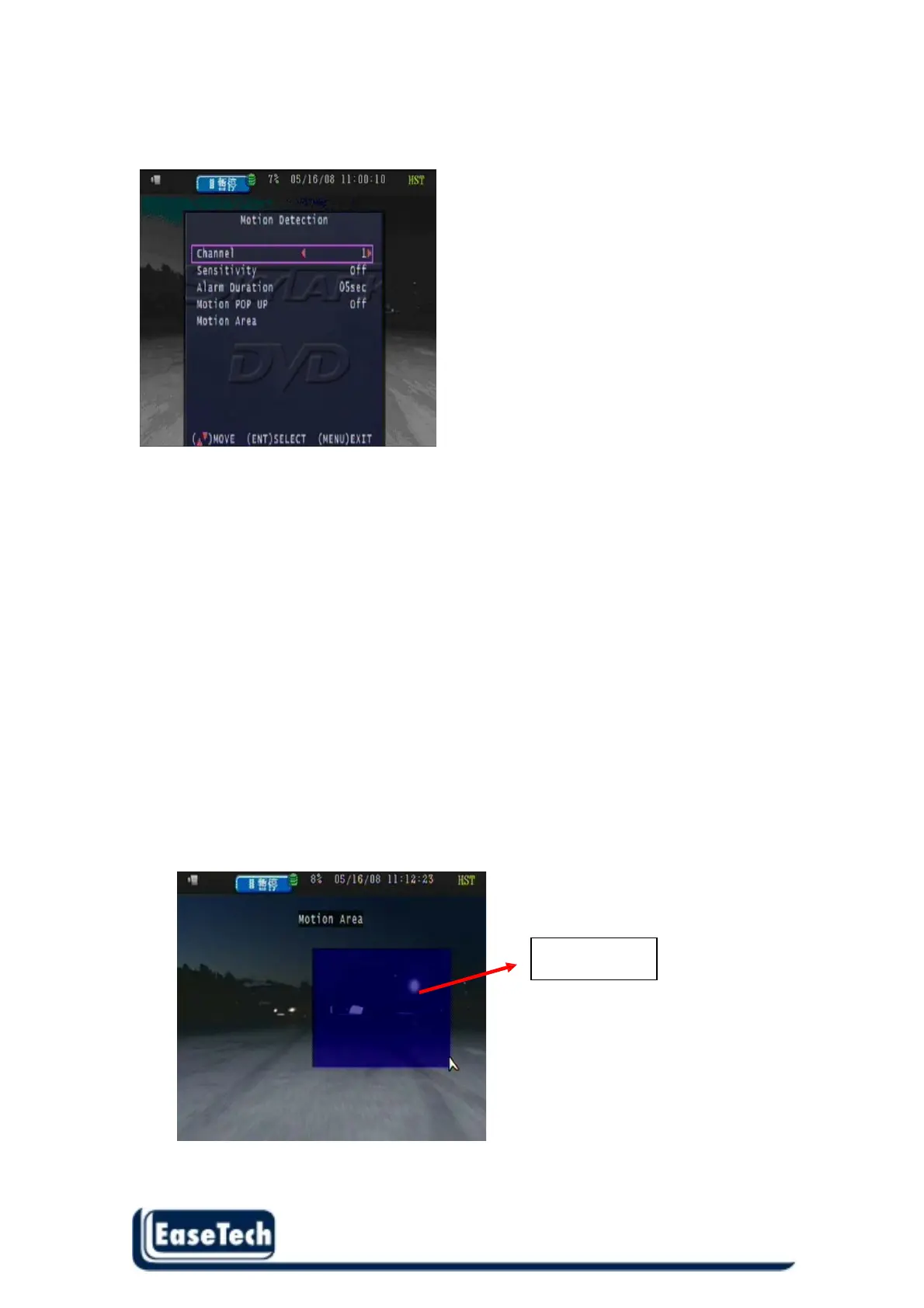
2.3 Motion Detection
User can setup each channel with different motion detection.
2.3.1 Channel :
User can setup different motion detection of channels (1~ 4 )
2.3.2 Sensitivity :
Off / 1 / 2 / 3 / 4 , Off means disable motion detection , 1 means high sensitivity ,
4 means very low sensitivity
2.3.3 Alarm Duration :
This function is disable now.
2.3.4 Motion Pop up :
OFF/ 1 ~ 30 Seconds /CONT
Each channel jumps to full screen when motion triggered. Quad screen display if more than
two cameras motion triggered.
2.3.5 Motion Area :
Use direction button Left or Right to move position then press “ENTER” button , start to select
the motion area and finally press “ENTER” button to stop .
Detected area



 To Next Page