13
13
2.4 SCREEN
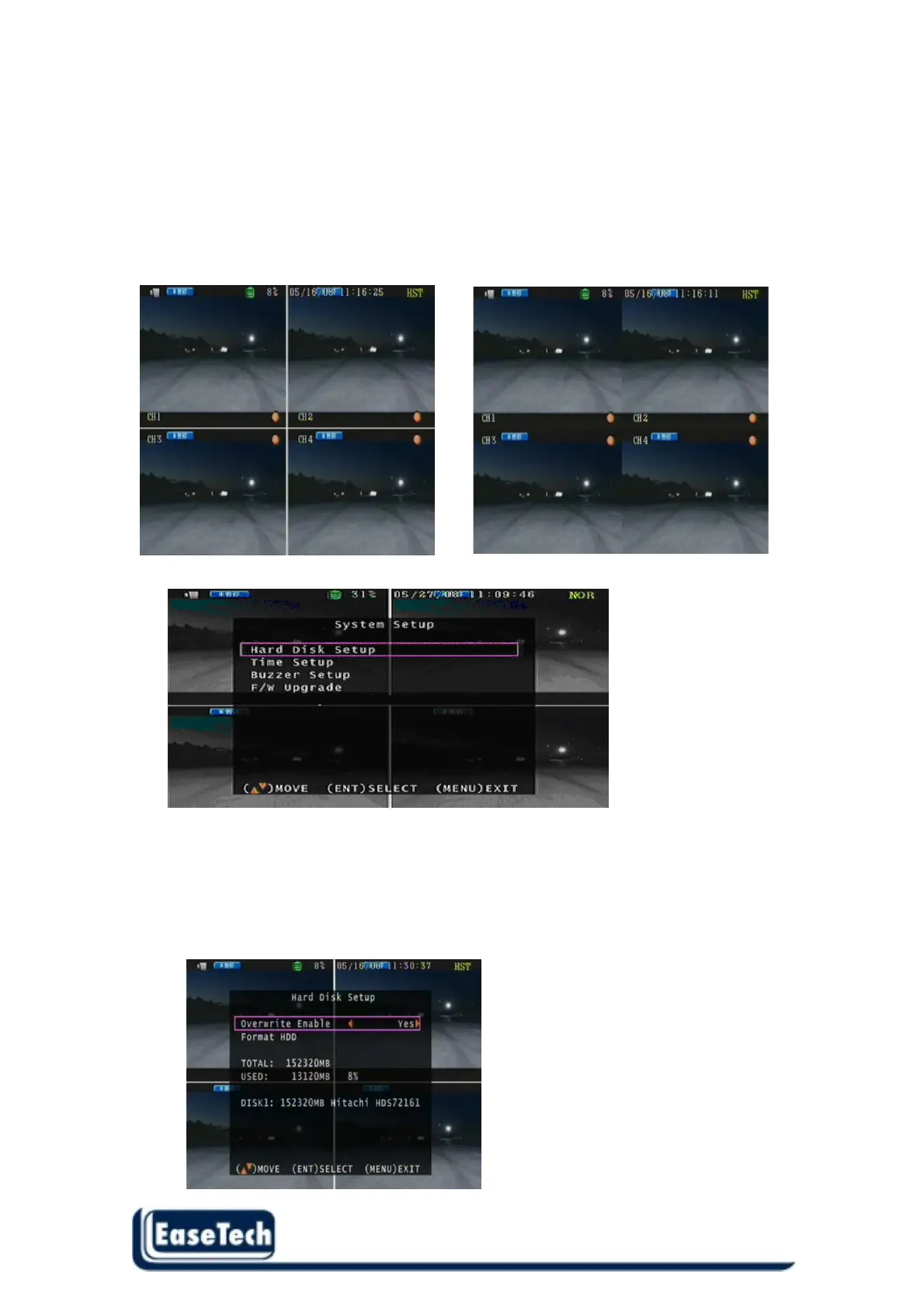
Let user setup the screen display.
2.4.1 Border: Split border on or off .
2.4.2 Video Adjustment: Video screen position movement. Use direction button to move.
2.4.3 Video system : NTSC/ PAL/ AUTO
2.4.4 Output: 720x448 : NO / Off
ON OFF
2.5 System Setup
2.5.1 Hard Disk Setup :
Overwrite Enable : Yes -> When Hard Disk full , DVR continue to record
No -> When Hard Disk full , DVR stop record .
Format HDD : Initial the HDD , Please format hard disk before starting record
Hard Disk does not support WD AV serial type.



 To Next Page