9
9
2
.
SYSTEM
SETUP
When user first time use admin menu setup , please press direction key
▲ ▲ ▼ ▼ and “MENU” ,then user can into admin menu setup successful.
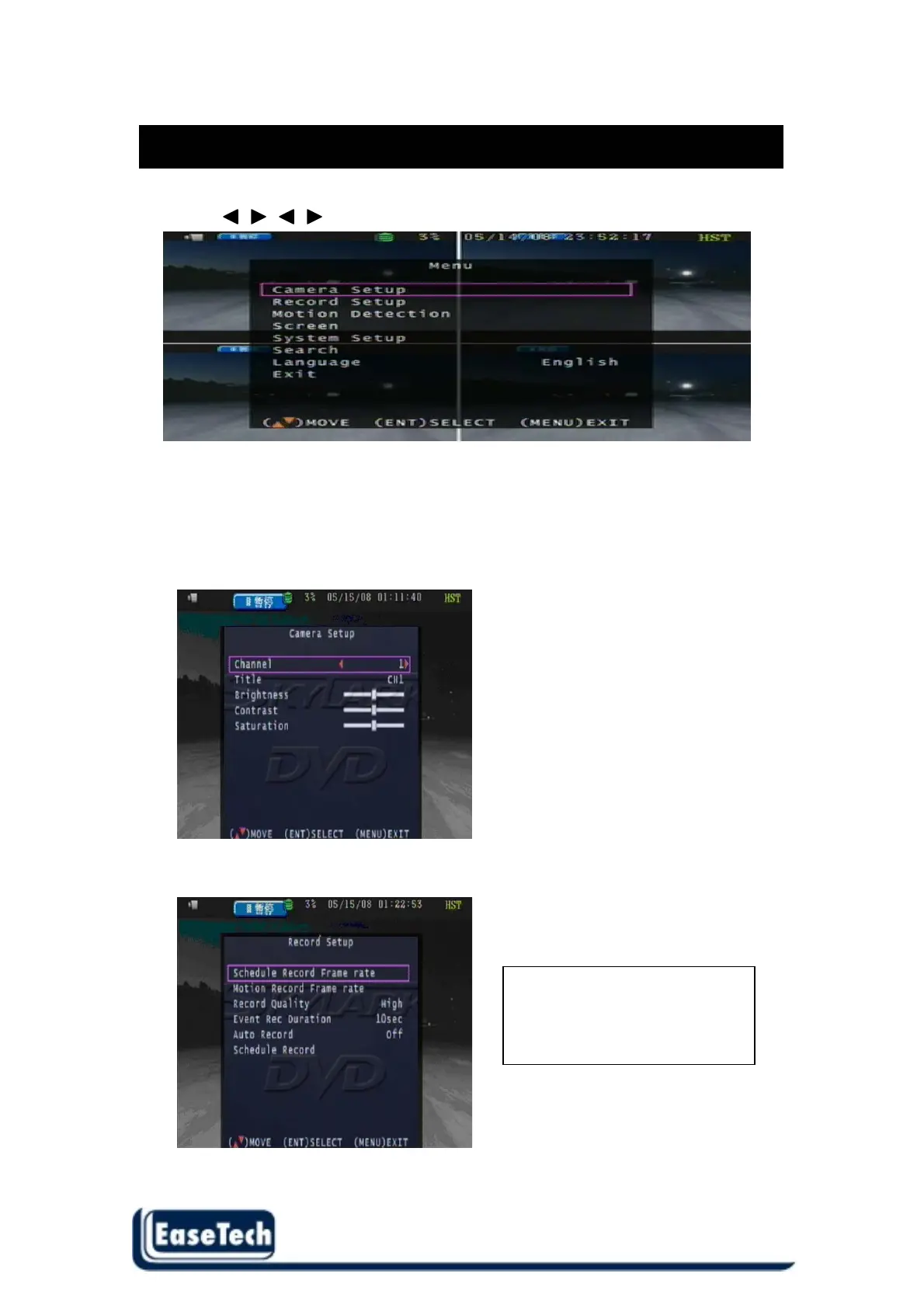
2.1 Camera Setup
User can setup each channel display status and adjust the cameras Brightness , contrast, and
saturation . Right adjustment of each element will increase picture quarterly displayed. We
recommend you to adjust each element of cameras and monitor to be connected to the DVR .
Title :
Display title on screen
2.2 Record Setup Use this function to setup the record frame rate of each channel
Totally frame rate is
60 fps(NTSC) / 50 fps (PAL)



 To Next Page