8
8
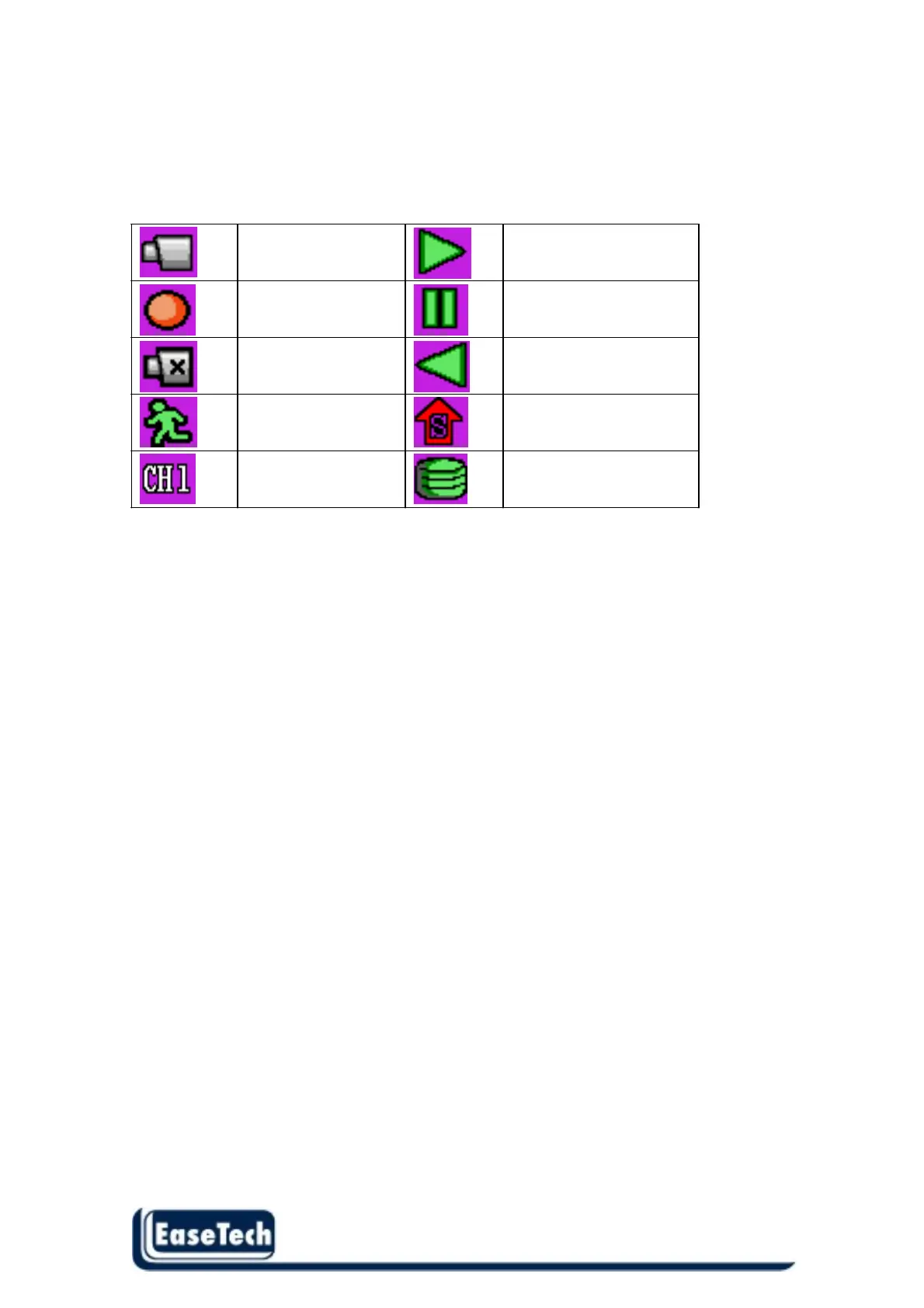
Icon Indicator:
In live mode or playback mode , the icons show at top line on screen to notify user the system status ,
below are the icons status .
Live mode Forward
Recording Pause
Video loss Reverse
Motion detect SHIFT mode
Display Channel Hard disk usage
Notice :
In real-time mode , user can press direction key –Up ▲ 5 times to enable key lock .
And press direction key –Up ▲ 5 times again to disable key lock



 To Next Page