17
17
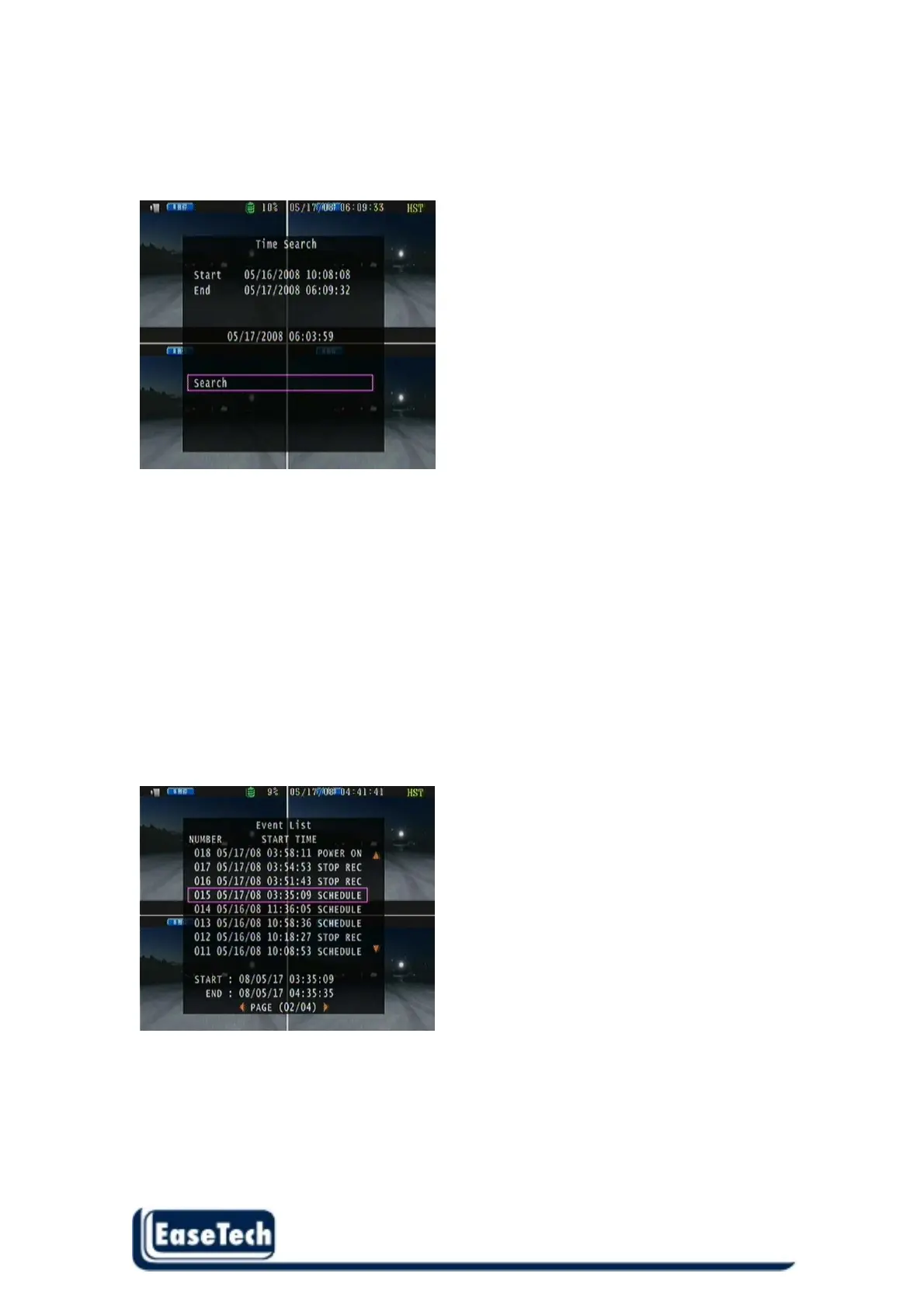
4. Press “MENU” return to the previous screen and move cursor to Search.
5. Press “ENTER” to start the searching.
6. Wait until the unit starts to playback.
Playback mode
Forward speed: x 2 / x 3 / x 4
(Direction right button)
Reverse speed: x 8 / x 16 / x 32
(Direction left button)
Press “STOP” button return to live mode.
2.6.2 Event List mode
Each event will list on event list , user can use direction button up and down to move and it will show
the event start time and end time for user reference . After select an event press “ENTER” start to
playback. Event list total can save 120 records



 To Next Page