27
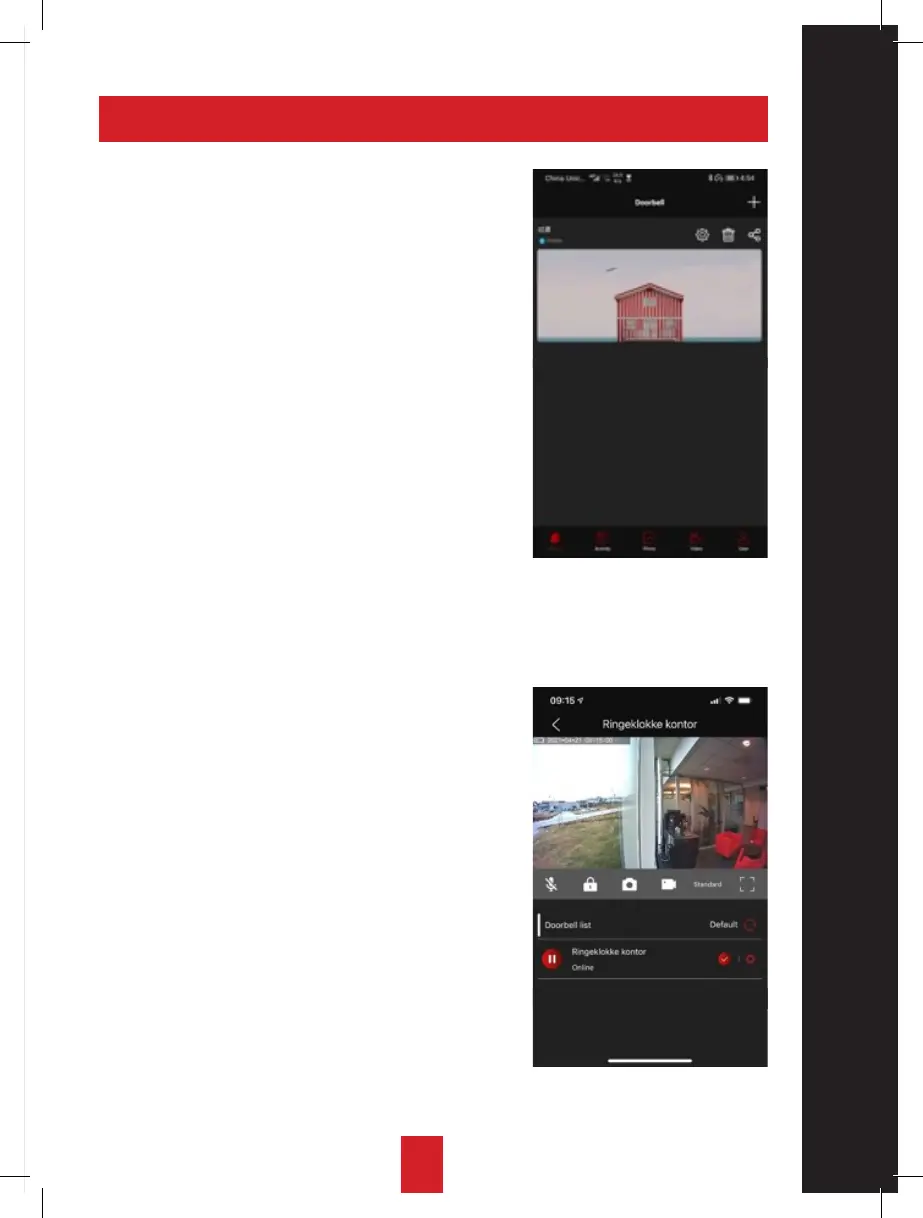
5. GENERAL SETTINGS
Gateway:
• Change name.
• Change password.
• Enable/disable notifications.
• Decide whether to get notifications only
in the event of movement or only when
someone rings the doorbell.
• Decide the volume of the ringing sound
inside and decide whether to get notifications
only in
the event of movement, when someone rings
the doorbell or both.
• Select your time zone.
• Format the SD card in order to store
video/image recordings.
• General information and system update
options.
Doorbell
• Change name.
• Change motion sensor sensitivity.
• Change volume.
• Change door lock unlocking code.
• Miscellaneous information.


 To Next Page