23
ADD CARDS
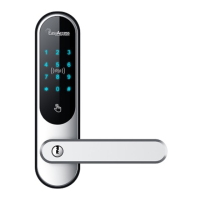
The lock can have 999 cards added with User ID 000-999. There are 3 cards in the
box.
ADD A CARD
Sequence: # 8 user id admin User # place the card on the lock
Example: # 8 000 3456 # place the card on the lock
DELETE USERS
DELETE PIN CODE USERS
Sequence: * User ID to delete, one off the admin user code #
Example: * 003 3456 #
If the user is deleted successfully, you will hear a long beep.
The admin users cannot be deleted this way. You can only change the code for
users 000 – 001 and 002.
Example; * 000 admin code * new admin code * new admin code again *
You can reset the lock if you contact us on post@fingeravtrykk.no
DELETE CARDS
Sequence: # 9, user id, one of the admin user code #
Example: # 9, 000 3456 #
If the card is deleted successfully, you will hear a long pip and the display will
blink green



 To Next Page