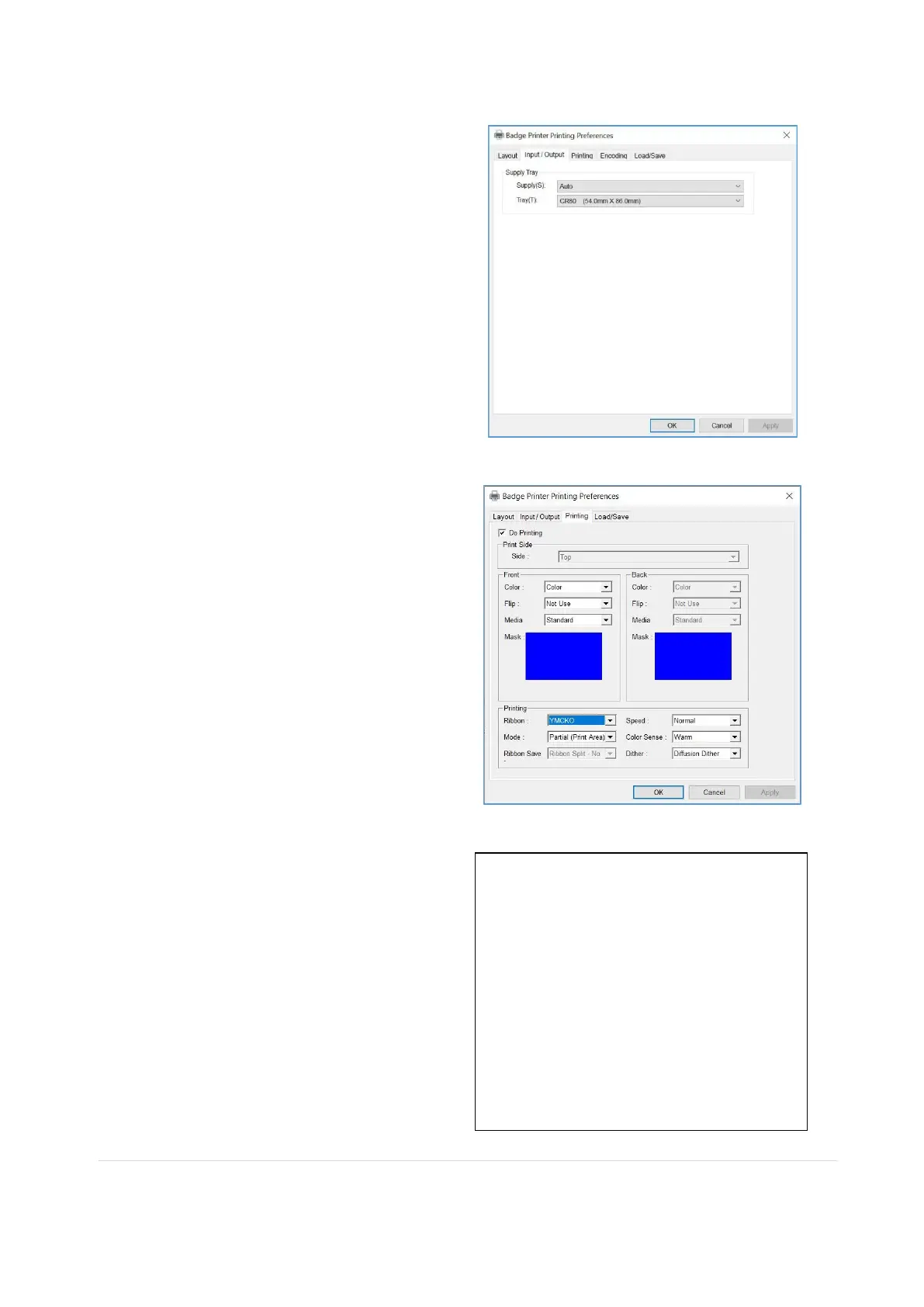
(3) Input / Output
[ Supply Tray ]
Supply : You can select “Auto” if Badge
Printer has 1 input hopper. Please select
the hopper if it has a multi hopper.
Tray : You can select “CR-80” because
Badge Printer supports CR80 cards only.
(4) Printing
Do Printing : You can select printing or
not
[ Print Side ]
Side : Please select one side printing or
both sides printing (It is possible only when
you have a flipper.)
[ Front / Back ]
Color : You can select color or mono print.
Flip : You can flip an image
Media / Mask : You can indicate the area
to print by using a predefined mask or user
defined mask (white card, smartcard,
Magnetic stripe card, etc.) on front or back
side.
You can define a mask.
User defined mask uses BITMAP file
(1012 X 636 pixels).
Blue (RGB(0,0,255)): Print and
Overlay
Sky Blue (RGB(0,255,255)): Overlay
only
Pink (RGB(255,0,255)): Print only
Yellow (RGB(255,255,0)): Florescent



 To Previous Page