5 | P a g e
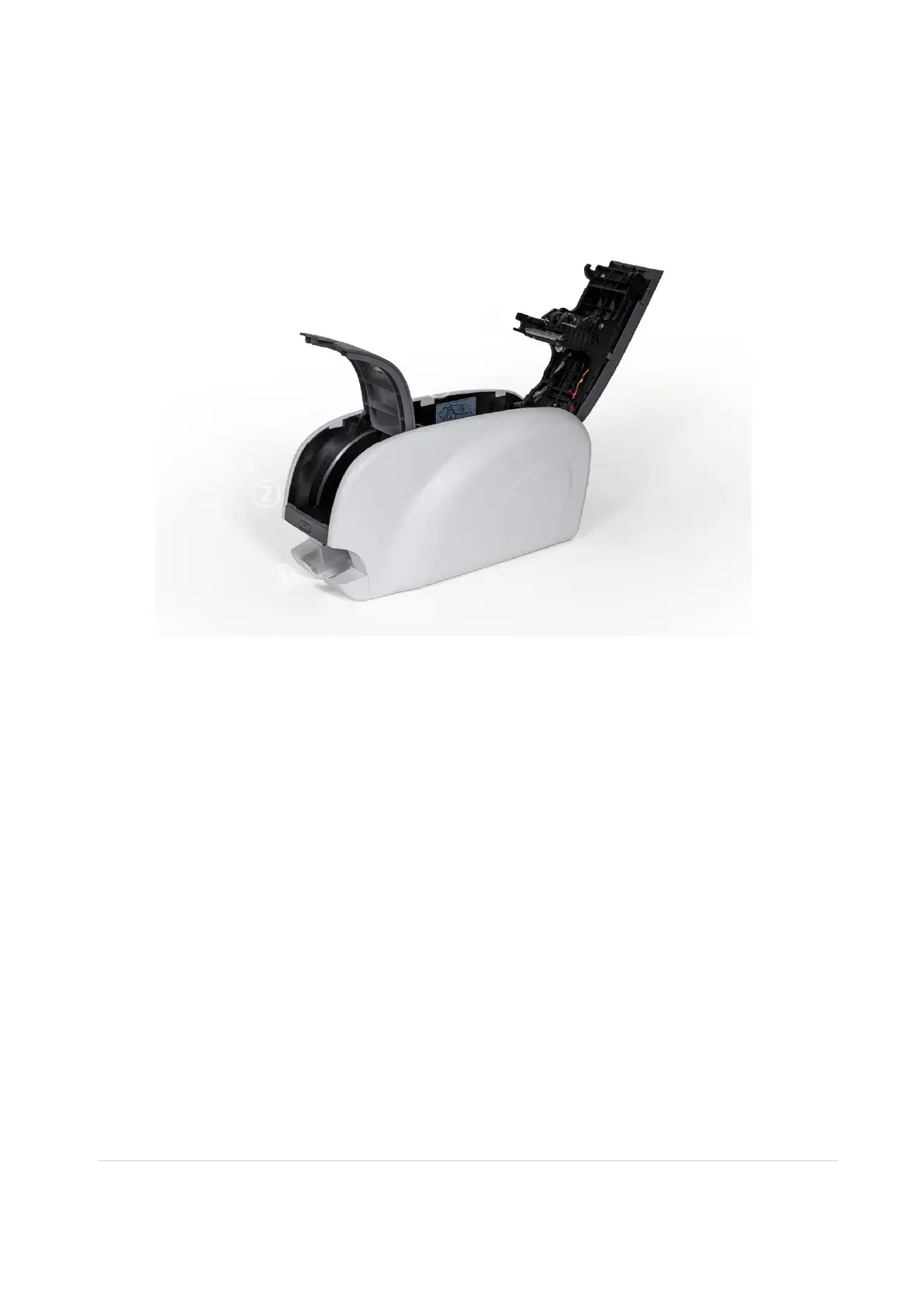
1.2 Printer Internal Features
On the EasyBadge 2.0 Printer, the print ribbon is installed using a reusable ribbon
cartridge included with the printer. The following shows the internal features found on the
printer.
① Output hopper
Collects the printed cards. Maximum 25 cards. The hopper can be removed by pulling
it forward.
② Input hopper
Load the cards for printing. Maximum 40 cards are loaded when cover is closed;
Maximum 80 cards are loadedwhen the cover is opened.
③ Ribbon cartridge
Install the ribbon and the disposable cleaning roller.
③ Thermal Print Head
This enables the cards to be printed.
Caution!: This is very hot after printing. Do not touch the surface of the Thermal Print
Head with fingers or a sharp metal object to avoid degrading print quality or damaging
print head permanently. Use high quality consumables and avoid dust contamination
to avoid print head damage and print quality issues.



 To Next Page