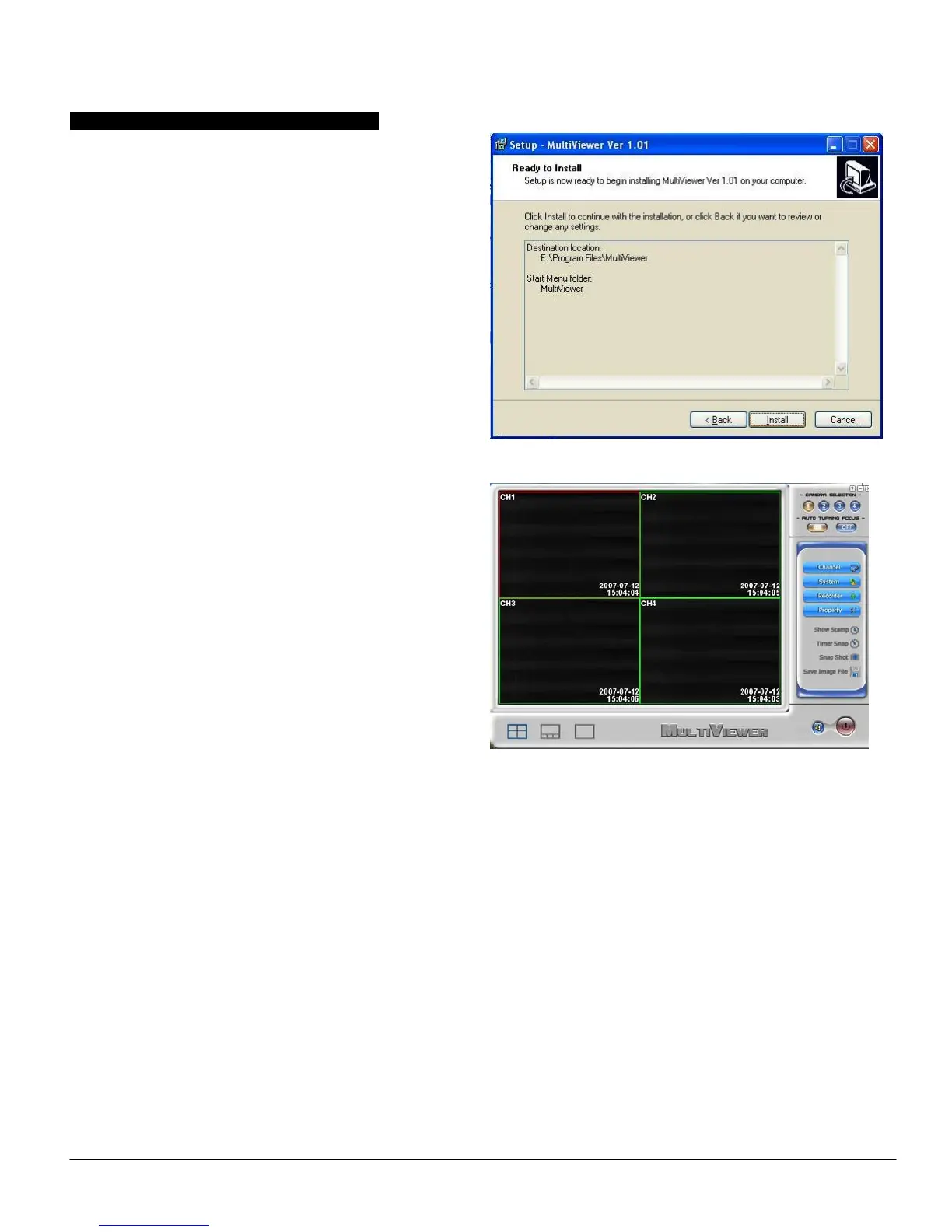
Software Installation for 4 channels input:
To start the Application Installation for 1channel, click Start
/ Run then type your CD-ROM and click “Install Multi
Viewer for 4ch”.
Select your language for the installation and Click “Next” or
/ and “Install”.
Click “finish” to complete setup, restart your computer if
needed.
Run Wireless Camera Watcher which you just installed.
Instruction of remote controller(EasyCAP001)
Note: The remote control only work for control the hardware device, not for the application of this device. Please do not use
the channel auto-view function with both application and remote control at same time.
Key functions
Power on/off: only works for when using power adaptor.


 To Next Page