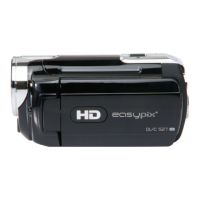
4. Using This Video Camera
Turning the Camera On and Off
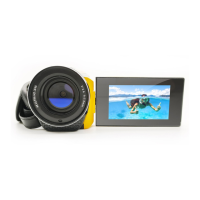
1. Open the LCD panel.
2. To turn on the camera, hold the POWER button until the LCD screen
turns on.
3. Hold the POWER button again will turn the camera off.
Taking still images
1. Turn on the video camera.
2. Press the MODE button to set the video camera to capture mode, the
icon appears on the LCD screen.
3. Use the LCD screen to frame your subject.
Hold the video camera steady and then press the SHUTTER button
completely down to take a picture.


 To Next Page