Operation
1.The device will automatically go to communicator mode when the battery is
installed.
2.The watch segments and channel icons will be displayed on the LCD. Press the
Menu key about 3 seconds to enter the Watch Setting Mode, a short beep tone
will be locally generated when the Time Setting mode is engaged.
3.Check the state of power in the LCD(It means shortage of power when Low
Battery Level icon displays on the screen).
4.Press the up or down key to adjust the voice(8 volume levels).
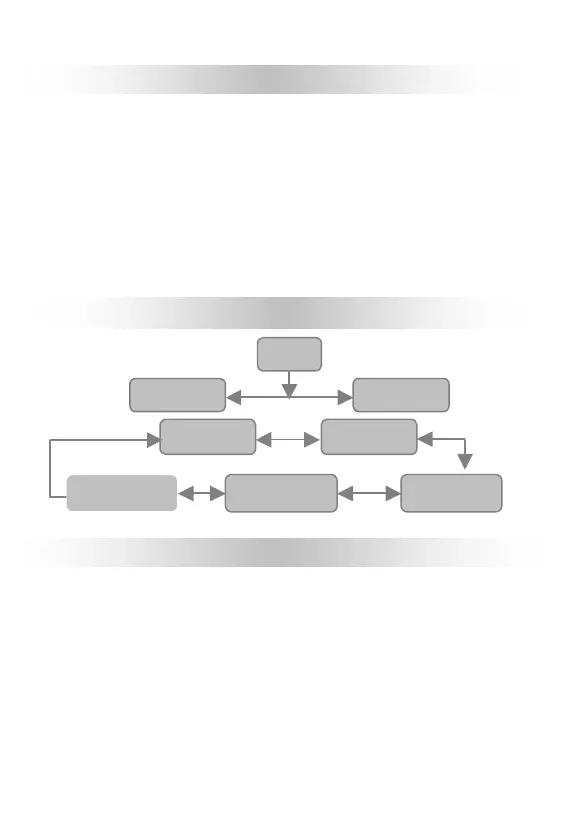
Guide for the menu
To set up Communicator Mode & Watch Mode
1.This device will automatically go to communicator Mode once the battery is
installed, the watch segments and channel icons will be displayed on the LCD
during this mode. Press the Menu key for about 3 seconds to enter the Watch
Setting Mode; to return back to Watch Mode just need pressing Menu key for 3
seconds again, the Communicator Mode Icon would display on the screen.
2.In Watch Mode, the Hour segment will flash in the LCD Display .
3.In Watch Mode, press Menu Mode to return back to Communicator Mode.



 To Next Page