The operating LED lights up while
the battery is charging.
The operating LED switches off automatically to indicate
when the battery is fully charged.
Step 2: Switching the camera on and off
Press and hold the Power on/off button
for approx. 2 seconds to switch the camera on or off.
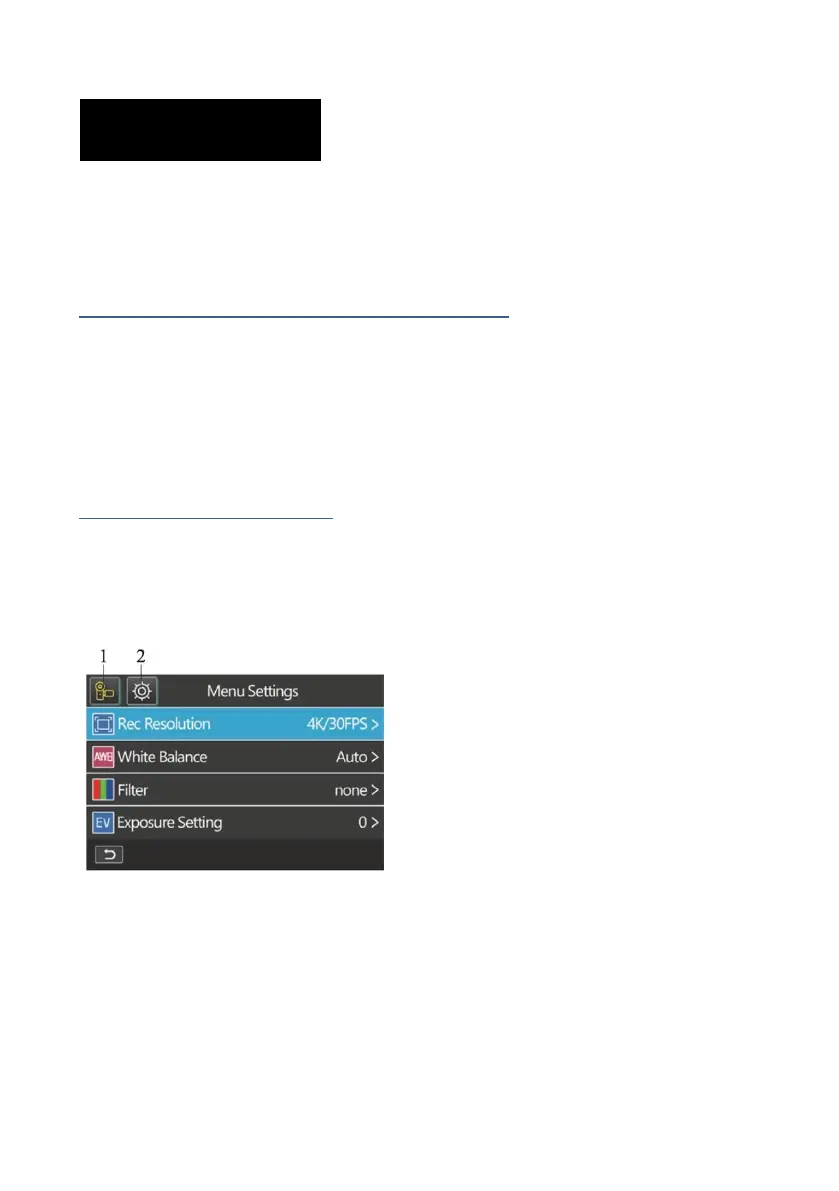
Step 3: Camera settings
Press the menu button to access the camera menu:
1) Selected Mode
2) System Settings















 To Next Page