1. Open the battery compartment cover and press in the
memory card until you hear the "click" sound.
2. To remove the memory card, open the cover and press
the memory card in, the card will then come out
automatically.
Formatting memory card
When using this digital camera for the first time, it is
important to format the memory card.
During the format process, all data, including protected
files, will be deleted.
Make sure to save important files on your computer before
formatting.
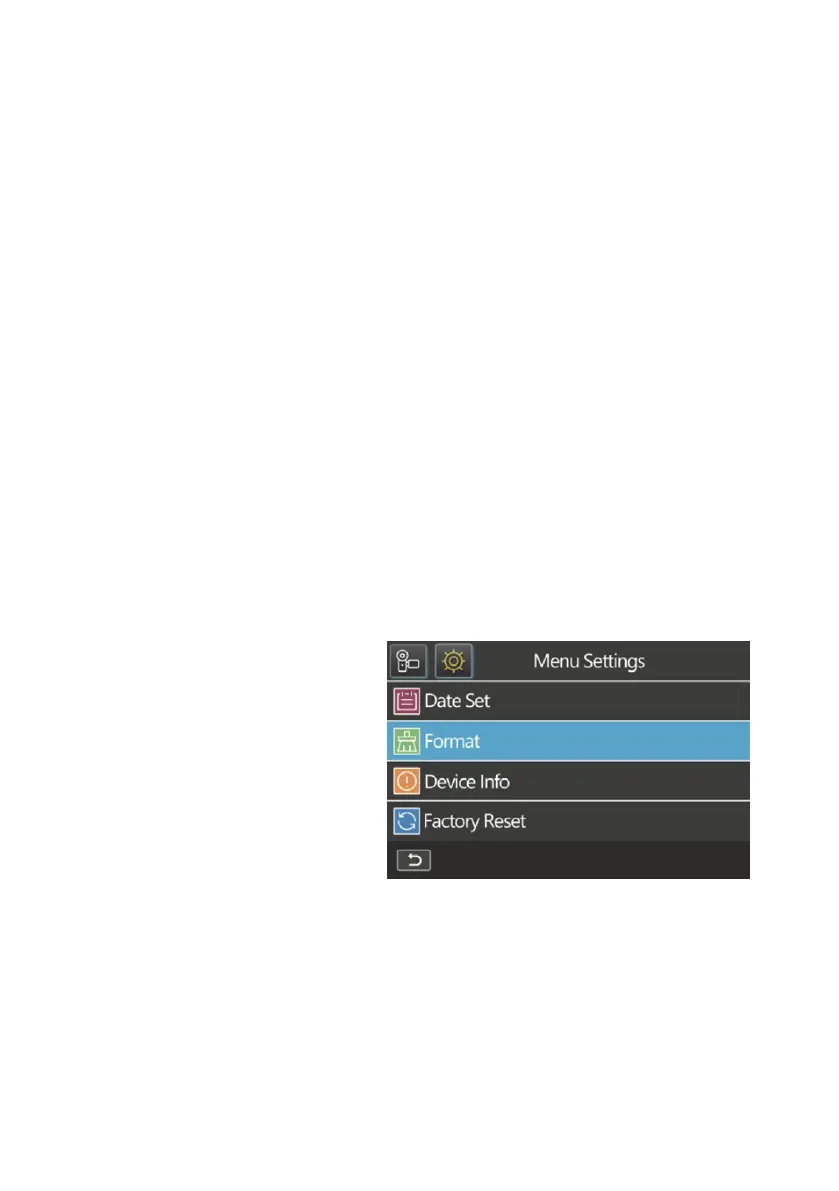
1. Switch on the camera.
Press the menu button
and open the system
settings.
2. Select the "Format" option in the settings menu and
confirm your selection with the OK button.















 To Next Page