2
iLumin Plus
www.eaton.com/lightingsystems
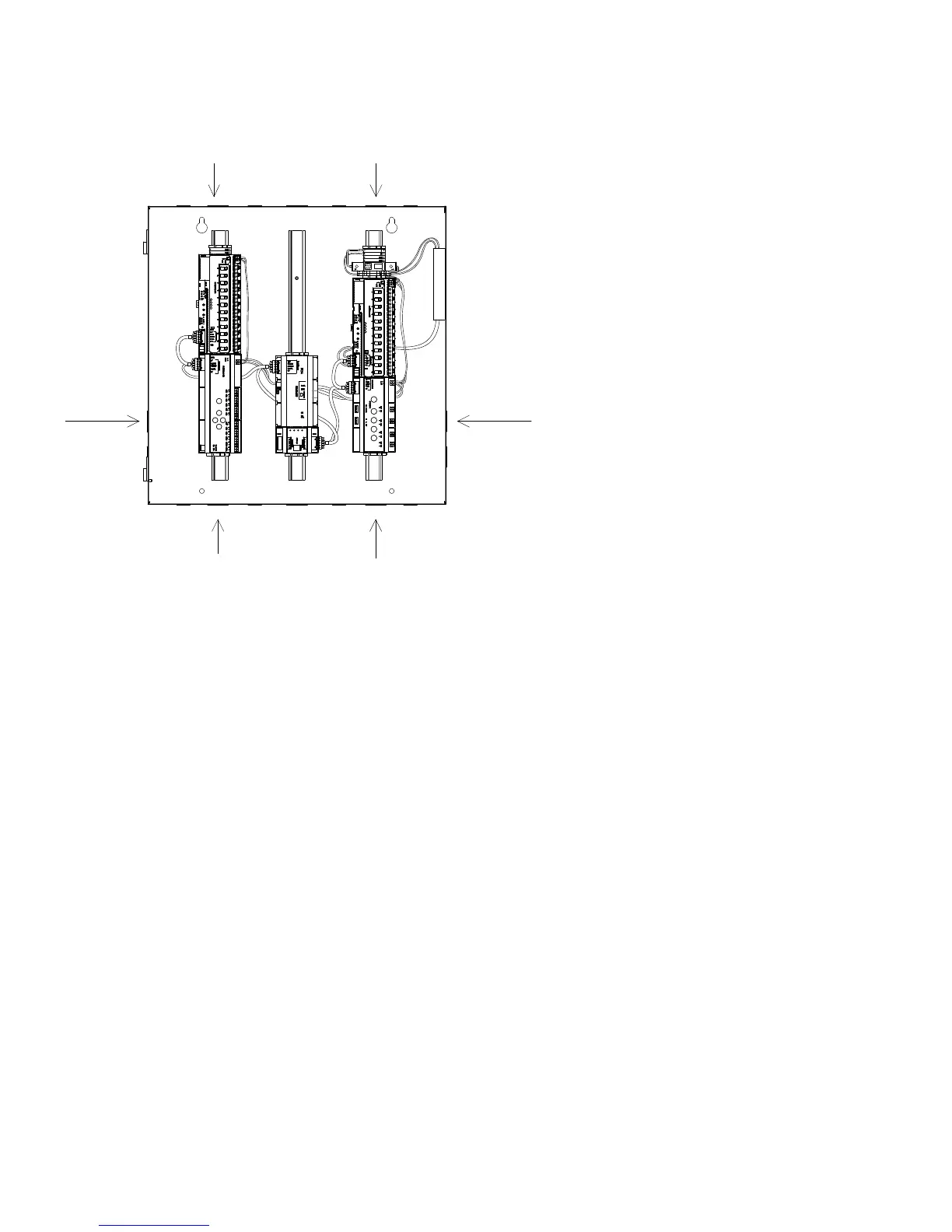
Wiring Flow
Class 1 and Class 2
High and Low voltage Input/Output
Class 1 and Class 2
High and Low voltage Input/Output
Class 2
Low voltage Input
Class 2
Low voltage Input
Installation steps:
1. Mount enclosure
2. Connect panel power
3. Connect relay wiring
4. Connect 0-10V dimmer wiring
5. Connect 2 wire data bus wiring
6. Connect iLumin Plus network wiring
7. Clear all power circuit wiring for errors
8. Energize panel power circuit
9. Energize relay and lighting power circuits
10. Coordinate system startup


 To Next Page