EasyManua.ls Logo

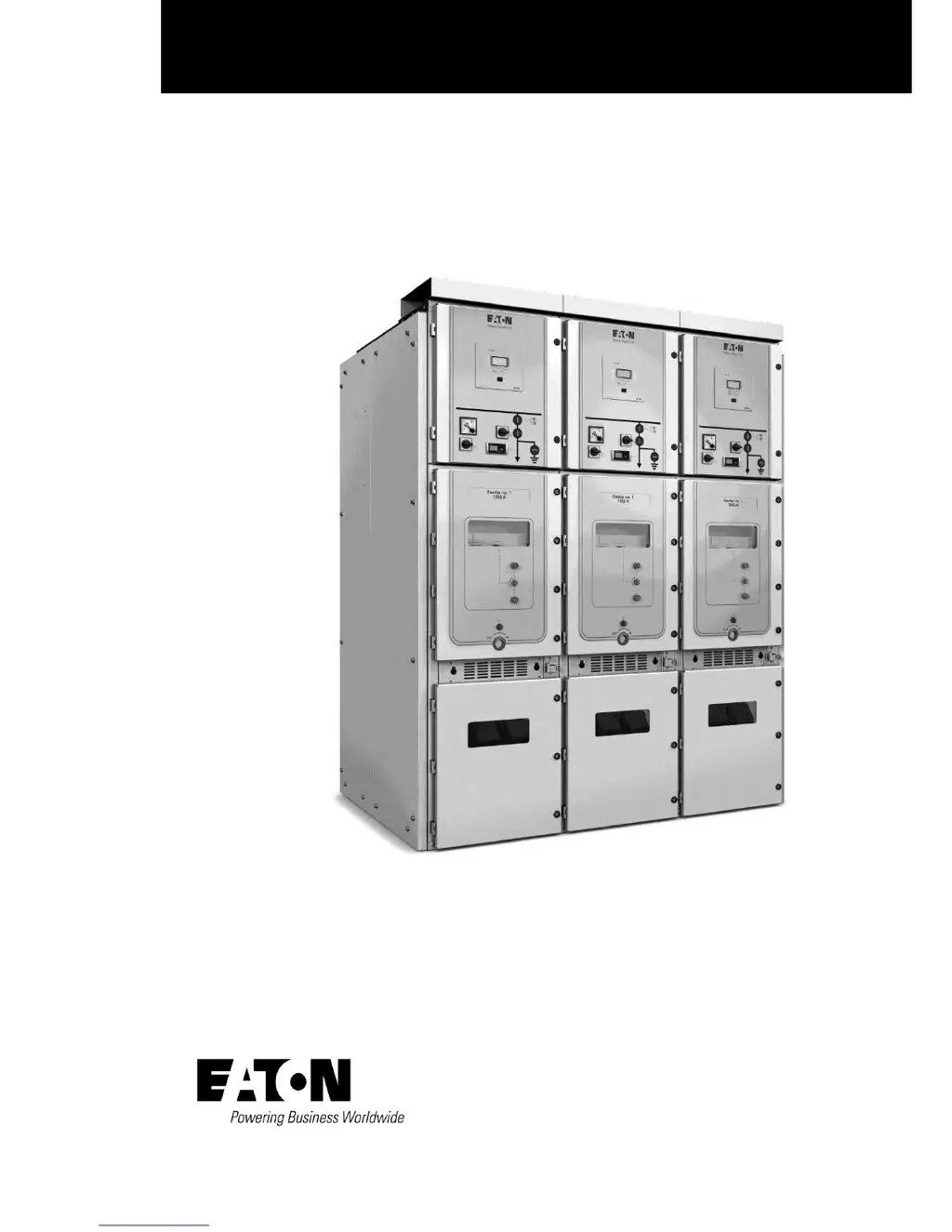
Eaton Power Xpert UX 12 - User Manual

Eaton Power Xpert UX 12
65 pages
Print Icon
To Next Page IconTo Next Page
Loading...
User manual Power Xpert
®
UX
Power Xpert
®
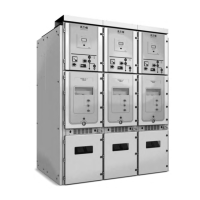
UX with W-VACi circuit breaker (up to 24 kV)
Air Insulated Medium-voltage switchgear

Table of Contents

Questions and Answers

  • O
    ocunninghamAug 19, 2025
    What to do if the circuit breaker won't rack in or out on my Eaton Power Xpert UX 12?
    • R
      Robert BirdAug 19, 2025
      If the circuit breaker won't rack in or out of the panel and the racking handle seems jammed, it could be due to the carriage electro-mechanical interlock being fitted without the 58-pin socket being plugged in, or the absence of control voltage. Connect the 58-pin socket and apply the appropriate control voltage to resolve this.
  • L
    lawrencesuarezAug 21, 2025
    What to do if the circuit breaker won't open or close on my Eaton Power Xpert UX 12 Industrial Electrical?
    • M
      Mr. Cody Simmons DDSAug 21, 2025
      If the circuit breaker fails to open or close when given an electrical command or when the mechanical buttons on the door are pushed, it might be because the breaker mechanism electro-mechanical interlock is fitted but the 58-pin socket isn't plugged in, or there's no control voltage present. To fix this, connect the 58-pin socket and apply the necessary control voltage.
  • M
    Mercedes FloresAug 23, 2025
    Why is there high temperature at cable connections in my Eaton Industrial Electrical?
    • B
      Brittany ButlerAug 23, 2025
      If you find high temperature at cable connections, it's likely due to a loose bolted joint at the cable connection. Check the bolted joint to ensure it's tightened to the correct torque. Clean any connections that seem suspect, and then securely tighten the bolt.
  • C
    Cassidy GonzalezAug 26, 2025
    Why is auxiliary voltage often interrupted in my Eaton Industrial Electrical?
    • P
      Patricia SmithAug 26, 2025
      If the auxiliary voltage is often interrupted by the protection device, it's likely due to poor insulation. In this case, you should check the insulation.
  • J
    Jeffrey MeyerAug 27, 2025
    What to do if the withdrawable unit won't move from ‘TEST’ to ‘Service/Connected’ position in my Eaton Power Xpert UX 12?
    • C
      crogersAug 27, 2025
      If the withdrawable unit will not move from the ‘TEST’ to ‘Service/Connected’ position, it could be because the earthing switch is in the ‘On’ position, or the withdrawable unit itself is ‘On’/’Closed’. To resolve this, turn the earthing switch ‘Off’ and also turn the withdrawable unit ‘Off’/’Open’.
  • J
    Jamie VaughnAug 29, 2025
    What to do if the withdrawable unit will not move from ’Service/Connected’ to ‘Test’ position in my Eaton Power Xpert UX 12?
    • S
      Stephen BenitezAug 30, 2025
      If the withdrawable unit will not move from the 'Service/Connected' to 'Test' position, it's likely because the unit is in the ‘On’/’Closed’ position. To fix this, turn the unit ‘Off’/’Open’.
  • T
    tyler07Aug 31, 2025
    What to do if the withdrawable unit cannot be inserted into the panel of my Eaton Industrial Electrical?
    • P
      Perry McguireAug 31, 2025
      If the withdrawable unit cannot be (completely) inserted into the panel, it could be due to the height of the truck not being properly set or the unit being turned On/Closed Drive in the wrong position. Make sure to properly set the height of the transport trolley and turn the unit Off/Open Put drive in the correct position.
  • C
    Christian PrestonSep 2, 2025
    What to do if the withdrawable unit will not move from ‘Test’ to ‘Insert/Withdrawn’ position in my Eaton Industrial Electrical?
    • D
      Dr. Whitney BrownSep 2, 2025
      If the withdrawable unit will not move from ‘Test’ to ‘Insert/Withdrawn’ position, it’s because the unit is ‘On’. Turn the unit ‘Off’/’Open’ to solve this.
  • T
    taylorchristopherSep 4, 2025
    What to do if the switch cannot be operated on my Eaton Power Xpert UX 12 Industrial Electrical?
    • D
      David MatthewsSep 4, 2025
      If the switch cannot be operated, it may be because the switch is not in the ‘TEST’ or ‘Service/Connected’ position, or the hand crank has not been removed. Put the switch into the correct position and remove the hand crank.
  • H
    Heather WheelerSep 6, 2025
    What causes a fault during electrical switching on or off in my Eaton Power Xpert UX 12?
    • S
      Stephanie SaundersSep 6, 2025
      If you're experiencing a fault during electrical switching on or off, it might be due to auxiliary voltage being too low, a fault in the closing circuit (auxiliary contact), a burnt-out make coil or break coil, or the rotary spring not being charged or the spring-tensioning motor being faulty. Check the auxiliary voltage to begin troubleshooting.

Summary

Introduction to Power Xpert UX Switchgear

General System Description

Overview of the Eaton Power Xpert® UX switchgear system for medium-voltage applications.

System Type and Construction

Classification and details on the construction of Power Xpert® UX panels, busbars, and compartments.

Using the Manual

Guidance on manual usage, including target audience, notation, and structure.

Safety Instructions

Essential safety guidelines for commissioning and operating the switchgear.

Product Information

Details on product rating plates and their components.

Product Description of Power Xpert UX Switchgear

System Components Overview

Short description of common system components and their application.

Panel Types and Features

Summary of standard panel types and their functions.

Equipment Safety Provisions

Safety provisions and directions for dealing with equipment safety.

General Technical Data

General technical specifications including electrical data and environmental conditions.

System Assembly and Installation

Environmental Requirements for Switchroom

Requirements for the switchroom environment: safety, climate, and floor.

System Transport and Handling

Information on shipment, transport aids, and delivery inspection.

Site Assembly Procedures

Procedures for assembling the switchgear on site, including foundation and preparation.

Busbar Coupling and Cable Connections

Instructions for coupling busbars and connecting wiring and cables.

System Operation Procedures

General Operation Guidelines

General operating procedures for circuit breaker units in Power Xpert® UX switchgear.

Unit Insertion and Withdrawal

Instructions for inserting and withdrawing withdrawable circuit breaker units.

Earthing Procedures

General instructions for fitting a safety earth to the installation.

System Checks and Testing

Procedures for checking and testing switchgear operations.

System Commissioning and Decommissioning

Commissioning Process

General points on commissioning the installation, including acceptance testing and inspections.

Decommissioning Procedures

Procedures for safely dismantling and disposing of the switchgear.

System Inspection, Maintenance, and Repair

Logbook and General Maintenance

Guidelines for maintaining a logbook and general inspection/maintenance schedules.

Fault Diagnosis and Troubleshooting

Methods for diagnosing faults and troubleshooting the switchgear.

Available Accessories

Power Xpert UX Specific Accessories

Details on specific accessories for the Power Xpert® UX.

Optional Accessories

List of optional accessories that can be supplied.

Glossary of Terms

Safety and Personnel Qualification

European standard requirements for safe operation and personnel competence.

Abnormal Operating Conditions

Definitions of abnormal conditions like short-circuit and arc.

Equipment and Area Definitions

Definitions of switchgear components and related areas.

Appendix

General Information Pack Contents

Overview of the information pack contents and documentation.

Floor Plan Drawings

Includes basic floor plans for different panel ratings and cable entry types.

Eaton Power Xpert UX 12 Specifications

General IconGeneral
BrandEaton
ModelPower Xpert UX 12
CategoryIndustrial Electrical
LanguageEnglish

Related product manuals