LOADING A PRE-CONFIGURED SETTING
1. Connect AC power cord.
2. Turn unit on (power switch on back right panel).
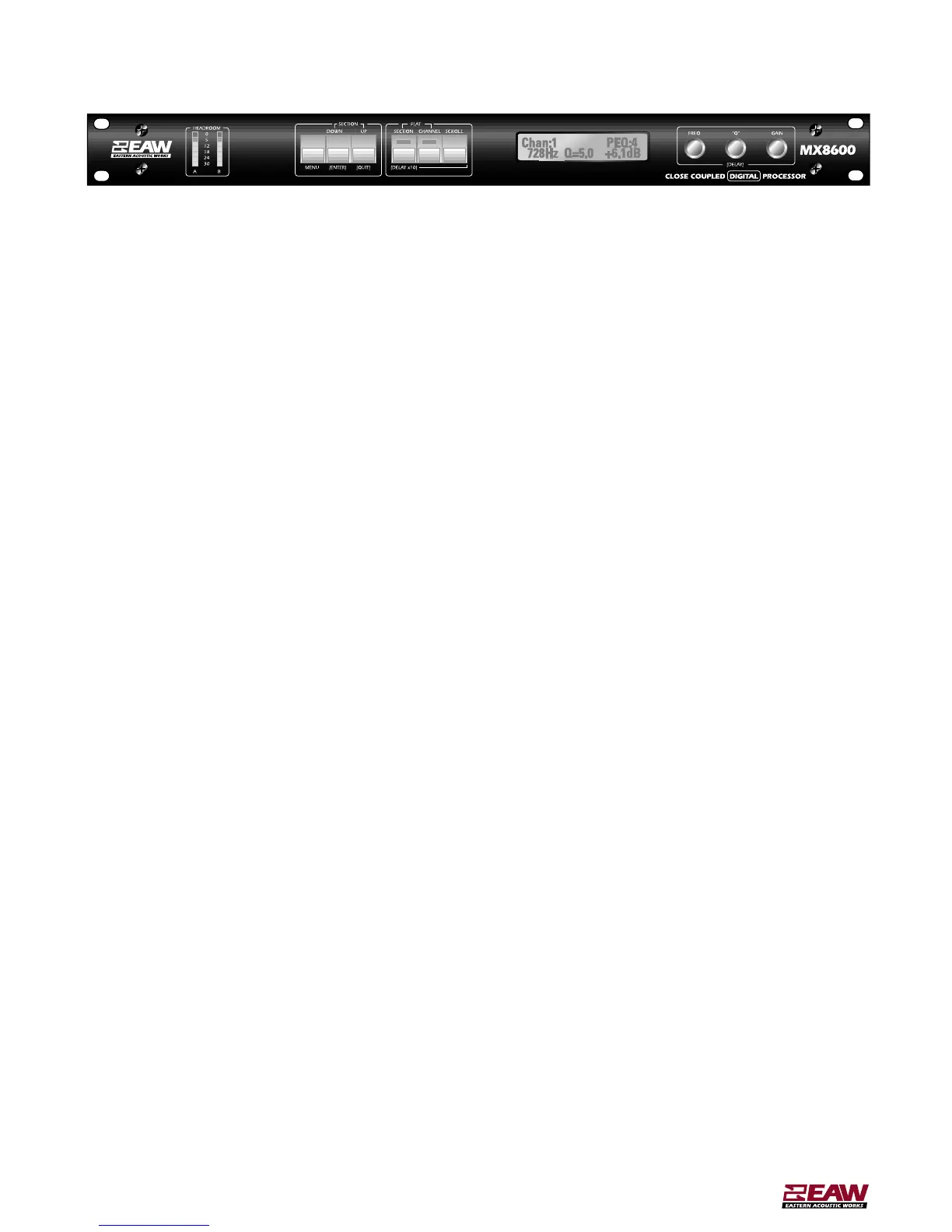
3. Press MENU button. Use FREQ knob to scroll through the menu choices.
NOTE:Do not enter password locking until you are familiar with the unit.
4. Select MEMORY RECALL.Press ENTER button.
5. Use FREQ knob to locate desired memory location Press ENTER button. Memory is now recalled.
CREATING A NEW SETTING
Follow steps 1 – 3 above.
4. Select UNIT CONFIGURATION.
5. Use FREQ knob to select desired template (A,B,C,or D).Press ENTER button to edit the configuration.
6.Press ENTER button again to confirm choice.
7.Follow steps below to enter the desired settings.
MX8600 Jumpstart manual



 To Next Page