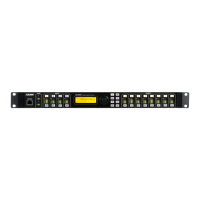
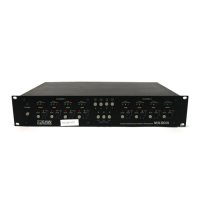
MX8600 Jumpstart manual
MX8600 – HARDWARE RESET PROCESS
This is for units that are unuseable because:
1. The password has been lost.
2. The unit is “locked up”and power cycling,etc.does not clear it up.
Note that this procedure is a last resort. All data programmed into the unit will be lost,including memories.
1. Turn unit off.
2. Disconnect outputs.
3. Press and hold UP and SCROLL keys while switching power on.
4. BATTERY FAILEDmessage will appear in display.
5. Release UP and SCROLL keys.
6. Red lights on MENU ,SECTION and CHANNEL buttons will flash.
7. Press QUIT button.
8. Message appears WARNING FULL BANDWIDTH and DISCONNECT OUTPUTS IF NECESSARY.
9. Press QUIT again until *MX8600 PROCESSOR* CONFIGURATION - Aappears in display.
10. Turn unit off.
11. Turn unit on.
12. Program unit as required.



 To Next Page