EasyManua.ls Logo

EAW UX8800 - User Manual

EAW UX8800
40 pages
Print Icon
To Next Page IconTo Next Page
Loading...
UX
UX
880
80
0
Speaker / System Processor
INPUT CHANNELS
INPUT CHANNELS
OUTPUT CHANNELS
OUTPUT CHANNELS
ETHERNET
ETHERNET
Clip
Clip
Lim
Lim
-12
-12
Sig
Sig
Clip
Clip
Lim
-12
-12
Sig
Sig
Clip
Clip
Lim
Lim
-12
-12
Sig
Sig
Clip
Clip
Lim
Lim
-12
-12
Sig
Sig
Clip
Clip
Lim
Lim
-12
-12
Sig
Sig
Clip
Clip
Lim
Lim
-12
-12
Sig
Sig
Clip
Clip
Lim
Lim
-12
-12
Sig
Sig
Clip
Clip
Lim
Lim
-12
-12
Sig
Sig
Clip
Clip
-6
-6
-12
-12
Sig
Sig
Clip
Clip
-6
-6
-12
-12
Sig
Sig
Clip
Clip
-6
-6
-12
-12
Sig
Sig
Clip
Clip
-6
-6
-12
-12
Sig
Sig
U-NET
U-NET
1
2
LEVELCH
X-OVER LIM
EQ PROG
DELAY UTIL
MUTE MUTE MUTE MUTE MUTE MUTE MUTE MUTE MUTE MUTE MUTE MUTE
A
B
CD
12345678
Crossover
Limiter
EQ
SELECT
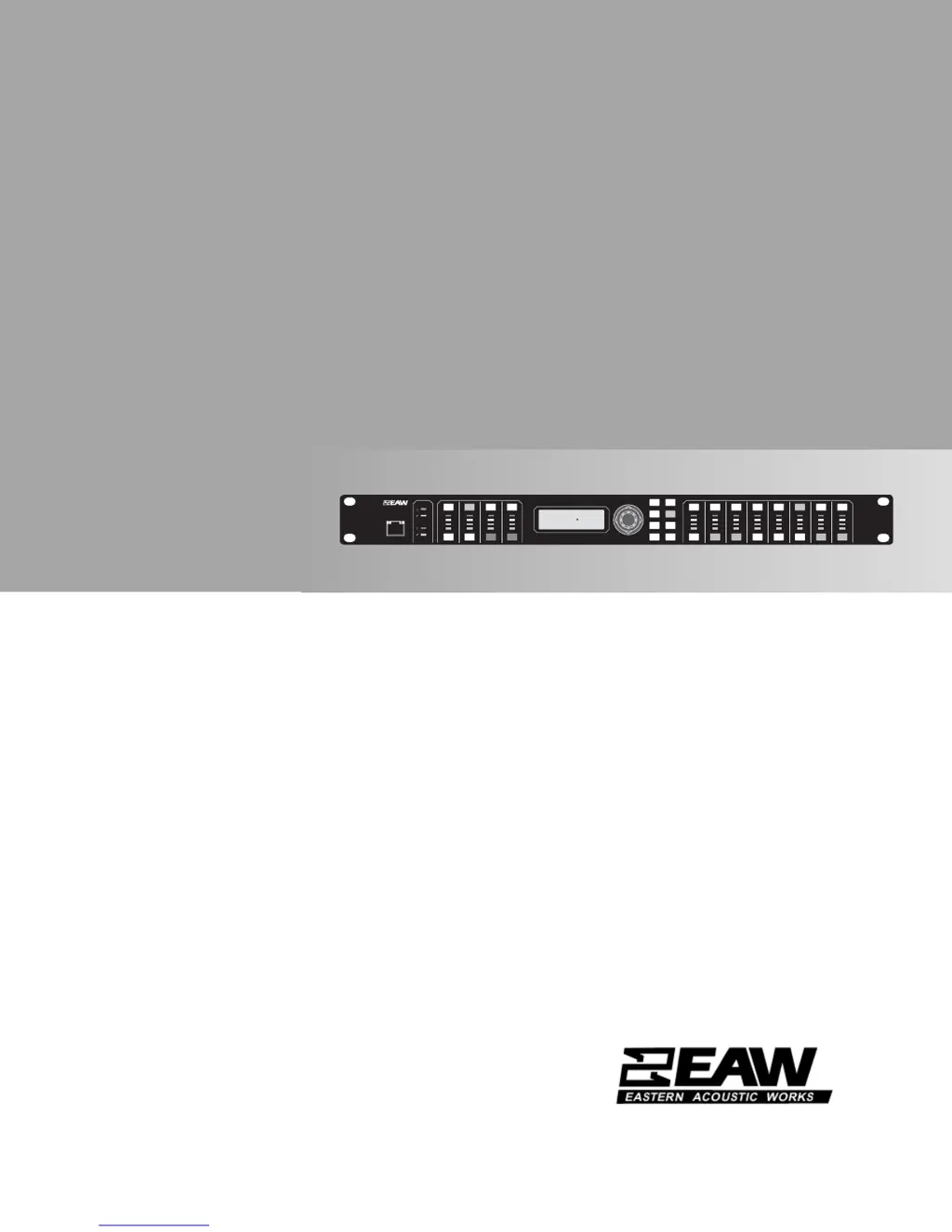
UX8800
DIGITAL SIGNAL PROCESSOR / CROSSOVER
OWNER’S MANUAL

Table of Contents

Other manuals for EAW UX8800

Questions and Answers

Summary

IMPORTANT SAFETY INSTRUCTIONS

Electronic Product Safety Guidelines

Essential safety precautions for operating electronic products to prevent hazards.

OPERATION - INITIAL SETUP

Powering On and Off

Procedures for powering the UX8800 processor on and off.

UTIL (System Set-Up)

Device Name and Mode Selection

Setting the processor's name and selecting operating modes.

OPERATION - SYSTEM PROCESSOR MODE

Mode Introduction and Selection

Explanation of System Processor mode and how to activate it.

Signal Routing and Input Channel Setup

Establishing signal paths and configuring input channels A-D.

Output Channel Configuration

Setting up output channels 1-8, including source, level, and EQ.

OPERATION - LOUDSPEAKER PROCESSOR MODE

Mode Overview and Selection

Understanding Loudspeaker Processor mode and choosing it.

EAWPILOT SOFTWARE

EAW UX8800 Specifications

General IconGeneral
BrandEAW
ModelUX8800
CategoryComputer Hardware
LanguageEnglish

Related product manuals