- 15 -
A
B
•
Operation
•
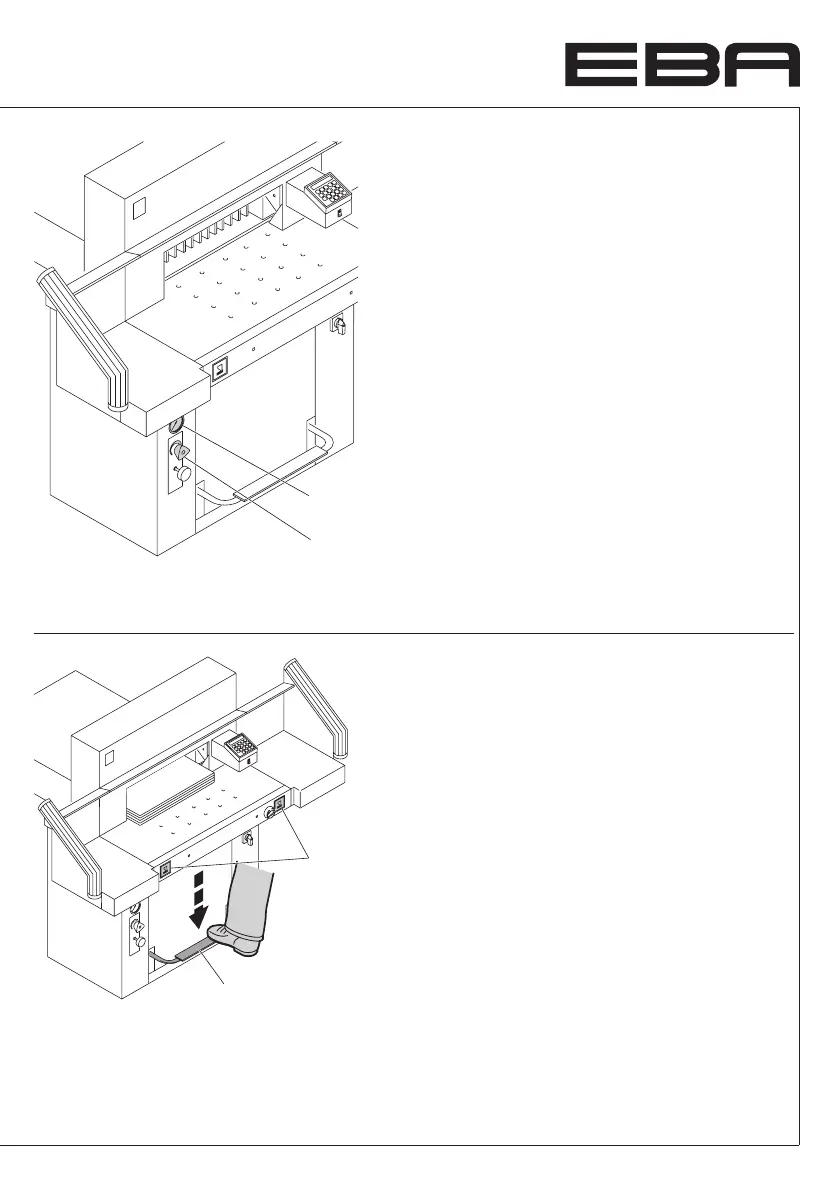
Setting clamping pressure
If necessary, set clamping pressure with
setting wheel (A). If a cutting process has
been activated, the oil pressure can be seen
on the oil pressure indicator (B).
The clamp moves automatically when cutting
is activated. The paper can be pressed in
advance, with the foot pedal (A). Cutting is
activated by pressing both buttons (B) on the
front table.


 To Next Page