- 24 -
EBA 551-06 • EBA 551-06 LT
•
Operation
•
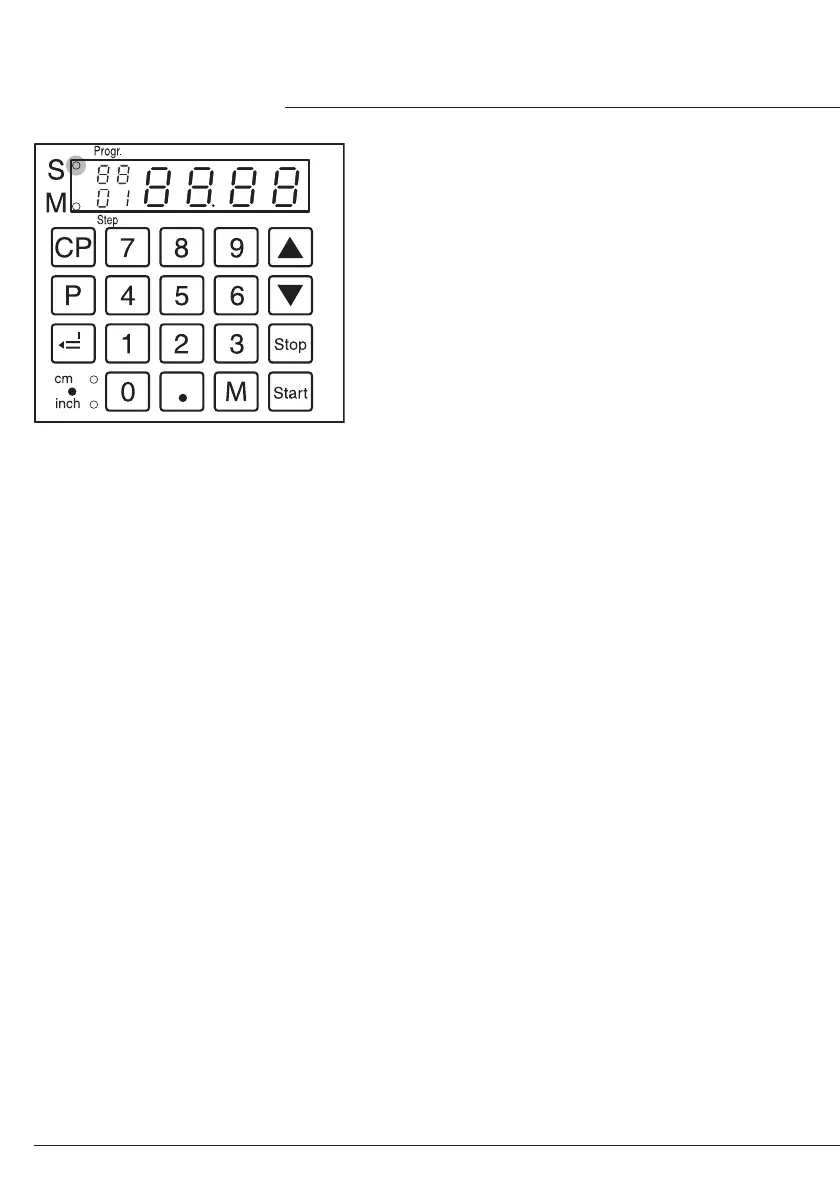
Working with programs
• Press
p
© X appears on the display
•
0
1
...
9
9
Enter program number 01 ...
99
With the button
j
and
b
you are able to
change between several program steps.
With
S
the backgauge moves to the
indicated
dimension.
With
s
the backgauge stops.
General
LED "S" lights © Cut is blocked.
LED "S" is off © the actual dimension
appears.
In the program mode the ejection of paper
j
is not possible. The ejection of paper has to
be programmed.
Escape the program mode
• Press
p
© X appears on the display.
• Press
s
© escape the program mode.
Cutting counter
• Press
i
and hold and press
0
.
© number of cuts are shown.
Press
c
twice to delete the number of
cuts.
Press
s
to escape the cutting counter.


 To Next Page