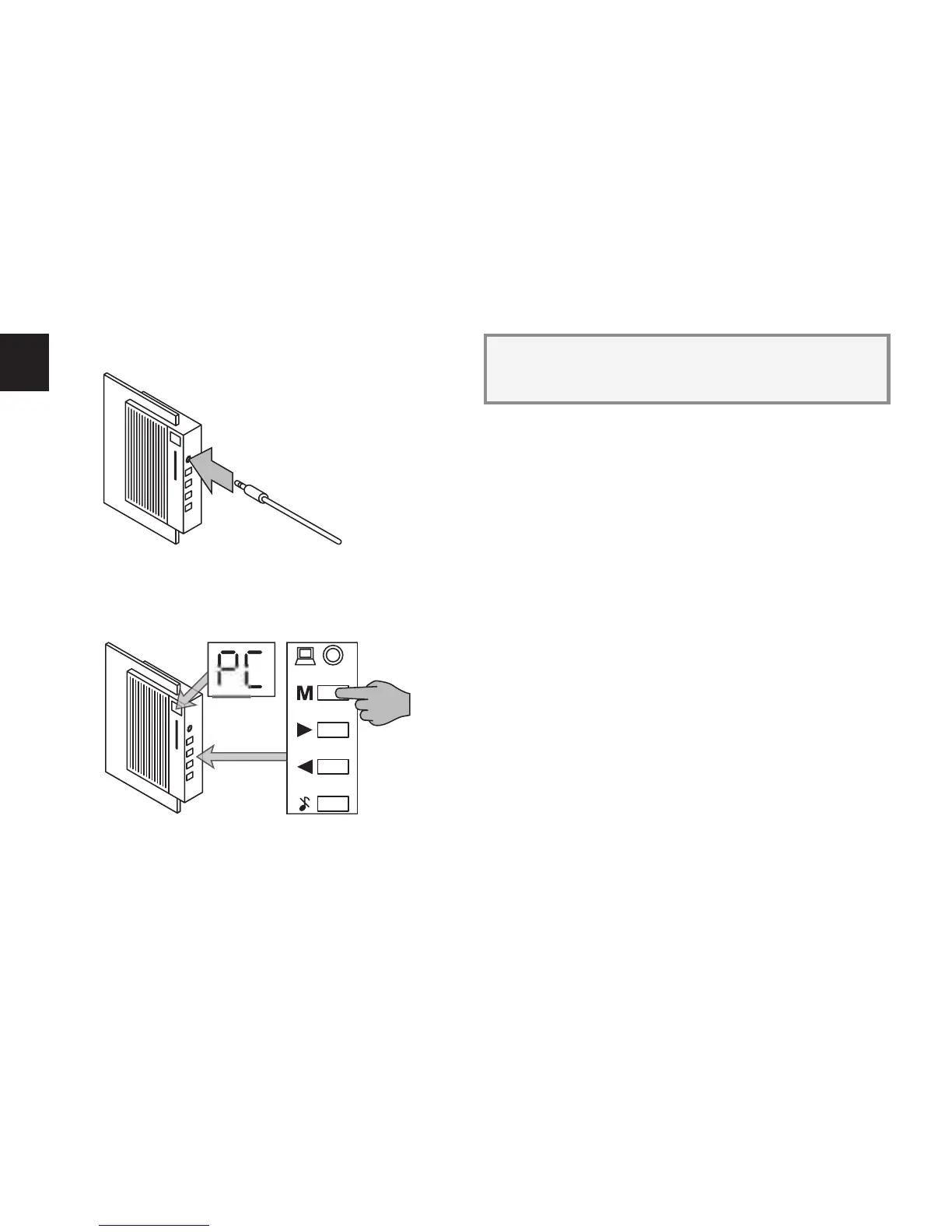
Connect the 3.5 mm audio jack connector on the other
end of the download cable to the audio input on the Hi-Fi Door
Bell.
Replace the mains plug on your computer to the mains
socket.
Switch your computer back on.
Select the “PC” mode on the Hi-Fi Door Bell by pressing
the button “M” until “PC” appears in the Hi-Fi Door Bell’s dis-
play.
Double click on the “PRISM” icon on your computer
desktop once the computer has started up. The download
programme dialogue window opens.
All you have to do is select later on in the download pro-
gramme dialogue window whether you have connected
the download cable to serial interface or .



 To Next Page