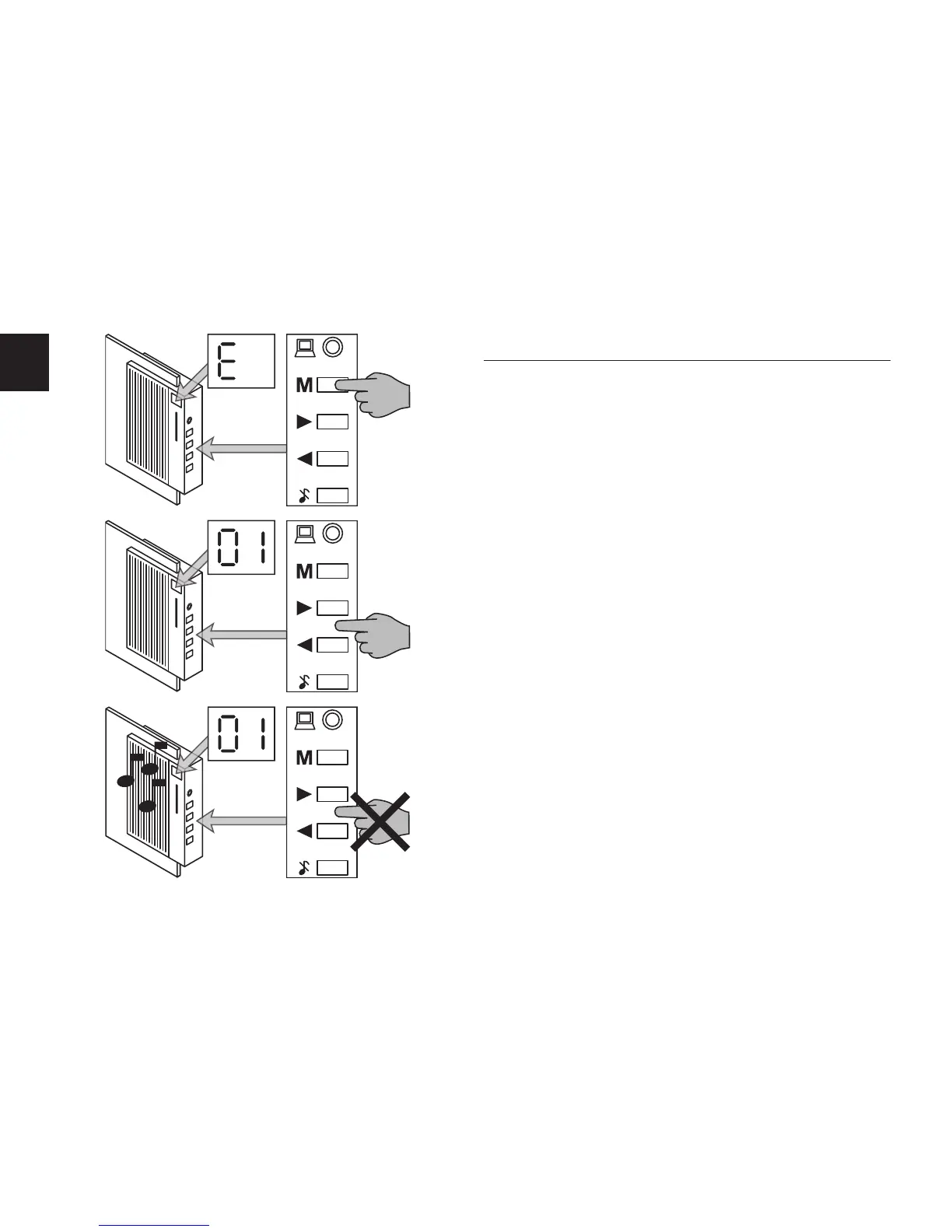
. Bell Tone for the Front Door
In order to select one of the pre-programmed pieces of music
or sound eects as bell tone for the front door …
Press the button “M” until “E”appears in the display.
Press the buttons < and > to select one of the pieces of
music or sound eects listed under numbers 1 to 18.
The display shows the number of the pieces of music and
sound eects.
If you wish to listen to the pieces of music or sound eects
listed in the display, wait a few seconds without pressing but-
tons < or > until the Hi-Fi Door Bell automatically plays the
piece of music or sound eect currently set in the display.



 To Next Page