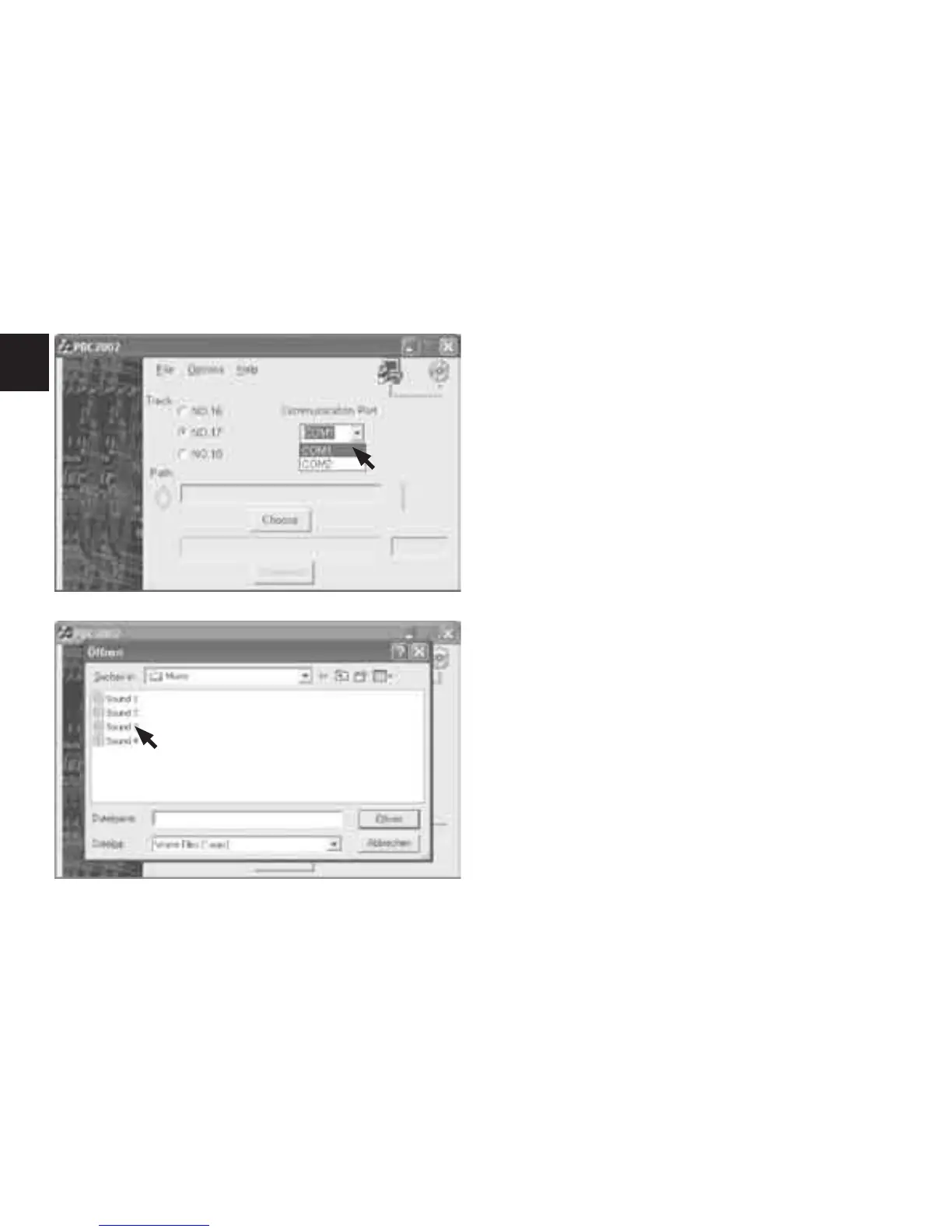
Select the serial interface you have connected the down-
load cable to by clicking on “COM PORT ” or “COM PORT ”
in the drop down menu under the item “Serial Interface”.
If you are not sure which serial interface you have connected
the download cable to, just proceed. You can change the set-
ting at any time at the click of the mouse.
Now select the le you wish to load on the Hi-Fi Door
Bell.
To do this, click on the button “Search” and select the folder
in which the le you want is located.



 To Next Page