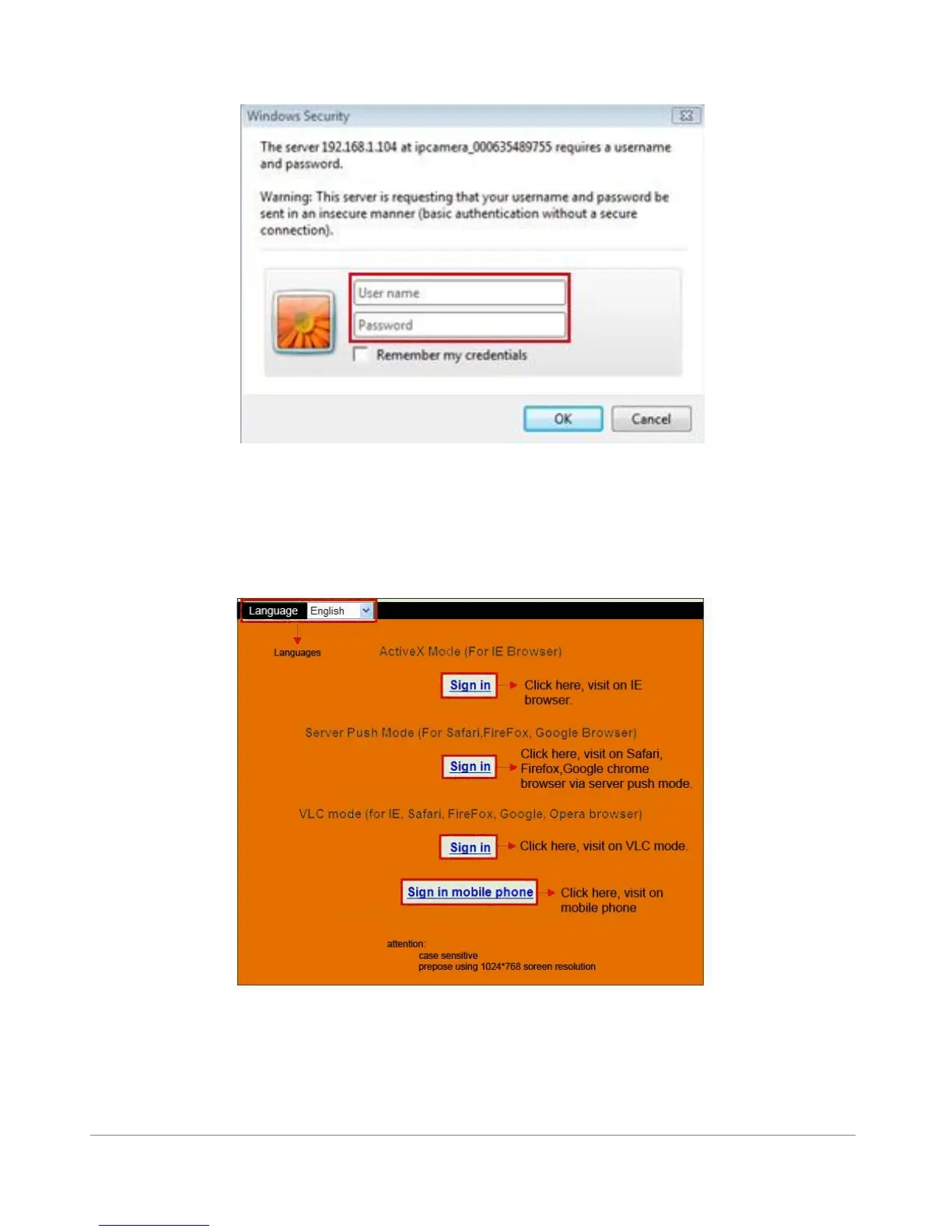
The following screen will pop up after pressing “Enter”:
Figure 2.6
The default user name is admin, no password (please leave password blank)
Input the correct user name and password, the Sign In interface will pop-up.
There are three models to login (figure 2.7).
Figure 2.7
(1) “Active Mode” (For IE Browser): available in Internet Explorer 6.0 or above.
(2) “Server Push Mode”: available in Firefox, Safari, and Google Chrome browser.
(3) “Sign in mobile phone”: available in most recent Mobile Smart Phone`s.



 To Next Page