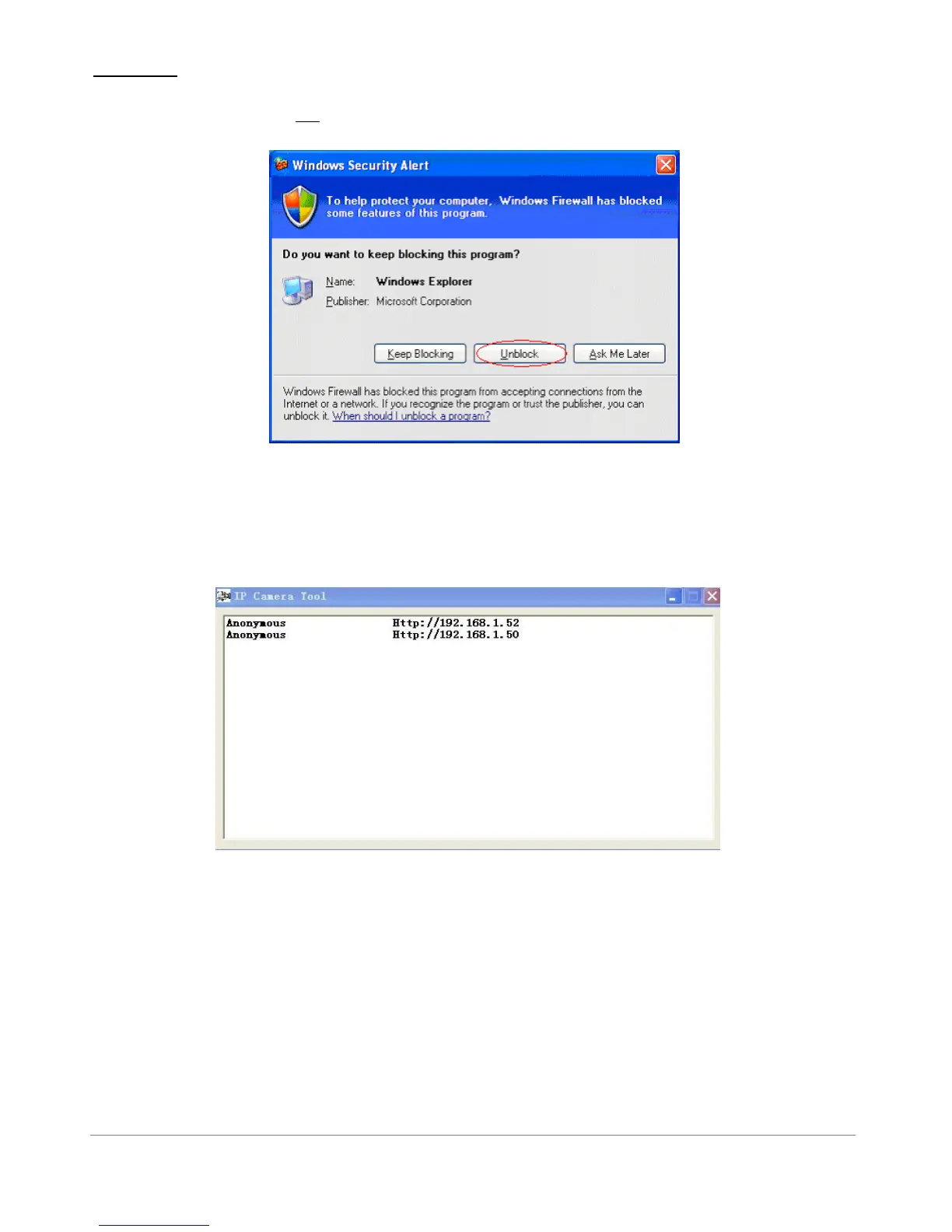
WARNING : On the first run of the program “IP Camera Tool” you might get a Windows Security Alert
Popup. It will ask you to choose a setting for the firewall. Please make sure you choose the ‘UNBLOCK’
option. Your IP camera will not work without unblocking the firewall settings.
Figure 2.2
IP Camera Tool:
When the Device has been installed properly, you can double-click the Icon “IP Camera Tool”
Figure 2.3
Please be sure your computer/laptop is on the same network as the camera or the
IPCameraTool will not find your cameras.



 To Next Page