3 / 20
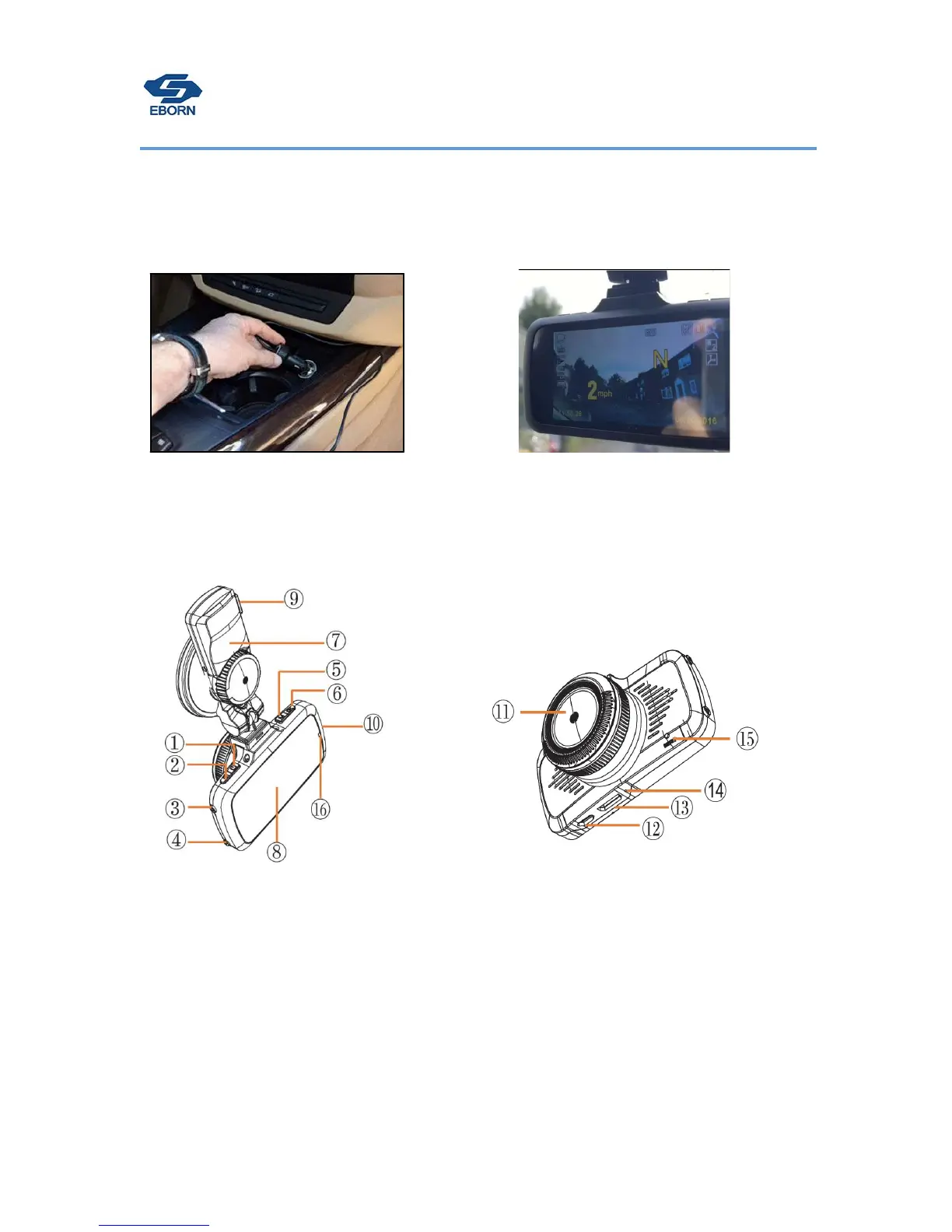
4. Connect the power cord into the
c
i
garette
lighter socket in your
car
.
5. Format the memory card,then set up the
correct Greenwich Mean Time (find setting
menu-Time Zone),the GPS will locate in 1~
3mins.
We have set up video steps on www.eborn.net.cn
EBORN G-01
Layout Structure
1. Power
2. MENU
3. UP button
4. Down button
5. MODE
6. Rec/OK
7. Holder
8. Display
9. Power port
10. TF card port
11. Camera
12. USB port
13. HDMI
14. MIC
15.Reset
16.Video light


 To Next Page