English Français
05/2017 ba80004def03_EBI300-310-T 11
Operation
Switching on
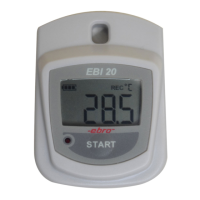
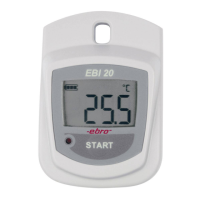
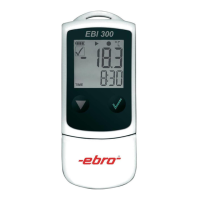
To switch on the logger, press the but-
ton.
“Winlog” software
Visit our website:
www.ebi300.com
Here you can download the free software
“Winlog.basic” for programming and read
out.
Additionally you can create programming
profiles on the website and program the
logger using “QuickStart” without the
need to install the software.
To set the correct date and time zone, the
logger should be programmed with the
“Winlog” or “QuickStart” software before
first use.
Utilisation
Mise en marche
Pour mettre en marche l’enregistreur,
appuyez sur la touche .
Logiciel «Winlog»
Visitez notre site Web:
www.ebi300.com
Vous pouvez télécharger gratuitement le
logiciel de programmation «Win-
log.basic».
En outre, vous pouvez créer des profils de
programmation sur le site Web et pro-
grammer l’enregistreur avec «QuickStart»,
sans avoir besoin d’installer le logiciel.
Afin de vous assurer de l’exactitude de
l’heure et de la zone horaire, il est néces-
saire de programmer l’enregistreur pour la
première utilisation avec le logiciel «Win-
log» ou le programme «QuickStart».


 To Next Page