Page 13 of 18
Emergency Mode Flash Pattern Selection
There are seven customizable emergency flash pattern modes available based on the wire combinations shown in TABLE 15. When using
individual switches, make sure to configure all possible switch combinations.
Level Mode Combinations
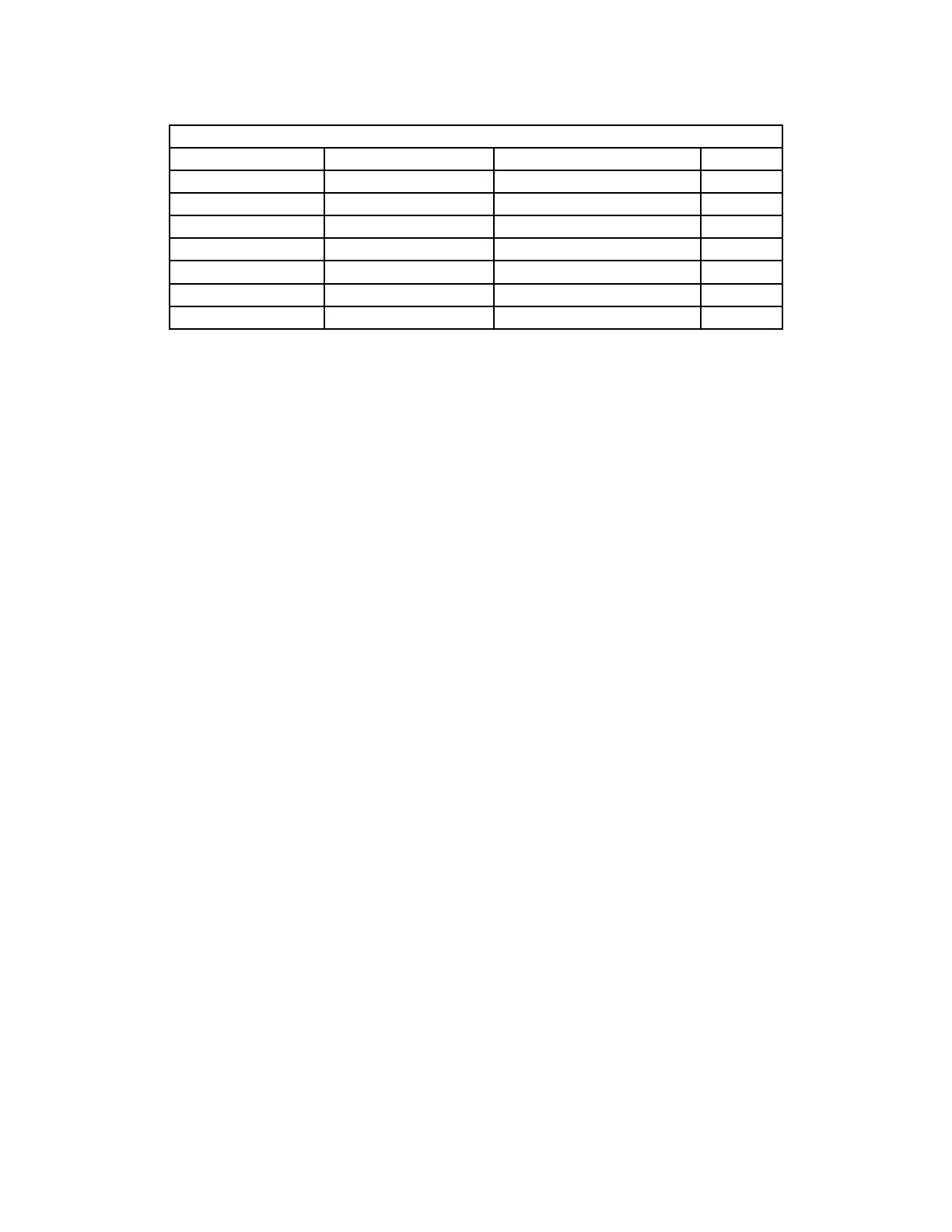
Flash Pattern Modes Function Wire Color(s) Default Flash Pattern Pattern
L1 BLU Fast In-Out Quad - Rear 13
L2 ORG Fast In-Out Quad - Front 25
L3 YEL Cycle - Front/Rear 11
L1 + L2 BLU & ORG Fast In-Out Quad - Front/Rear 1
L1 + L3 BLU & YEL Cycle - Front/Rear 11
L2 + L3 ORG & YEL Cycle - Front/Rear 11
L1 + L2 + L3 BLU, ORG & YEL Cycle - Front/Rear 11
TABLE 15
To change a flash pattern on a single emergency level mode:
1. Power-up the Lightbar and apply +power to the level mode wire(s) you wish to change (see TABLE 15). The light bar will flash the default
pattern.
2. Momentarily touch the GRN pattern select wire to (+) power to cycle through to the next flash pattern shown on TABLE 16.
3. To reset the flash pattern to the factory default, hold the GRN pattern select wire to (+) power for ~5 seconds.



 To Next Page